@
ToolkitRC
2019
=================================
1. Please set the charging rate at 1-2C
according to the battery capacity.
For example, if the battery capacity is
2000mAh, please set the charging current to
2.0-4.0A.
2, charging and discharging current is only
valid in the corresponding working mode
3. For the discharge mode setting, refer to the
<System Settings> chapter of this manual.
=================================
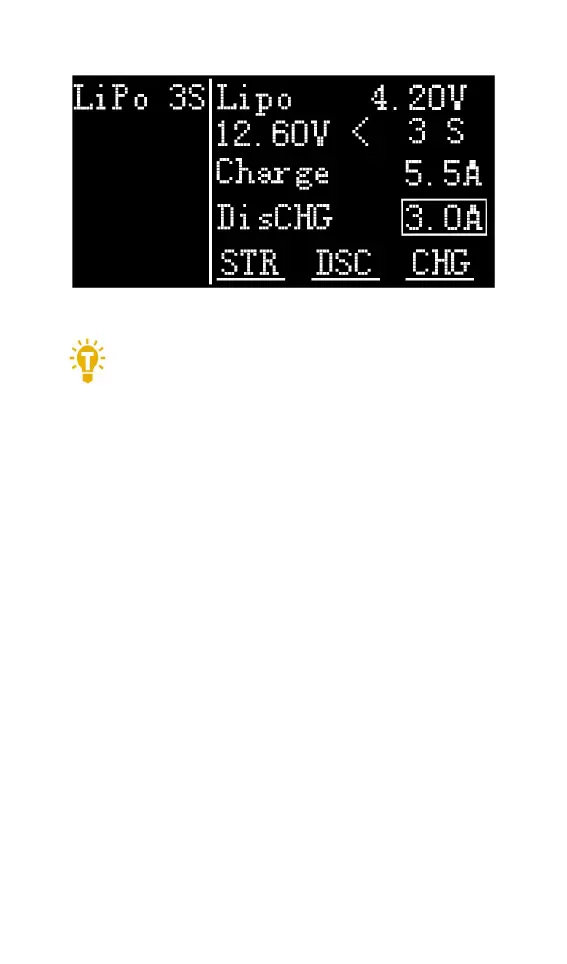
6,Working mode
Move the cursor to [Store] [Discharge] [Charge]
position, press [OK], the charger will work in the
mode of the selected function. When selected as
[Charge], it will indicate the target voltage that will
charge the battery. As shown below



 To Next Page