@
ToolkitRC
2019
Signal output
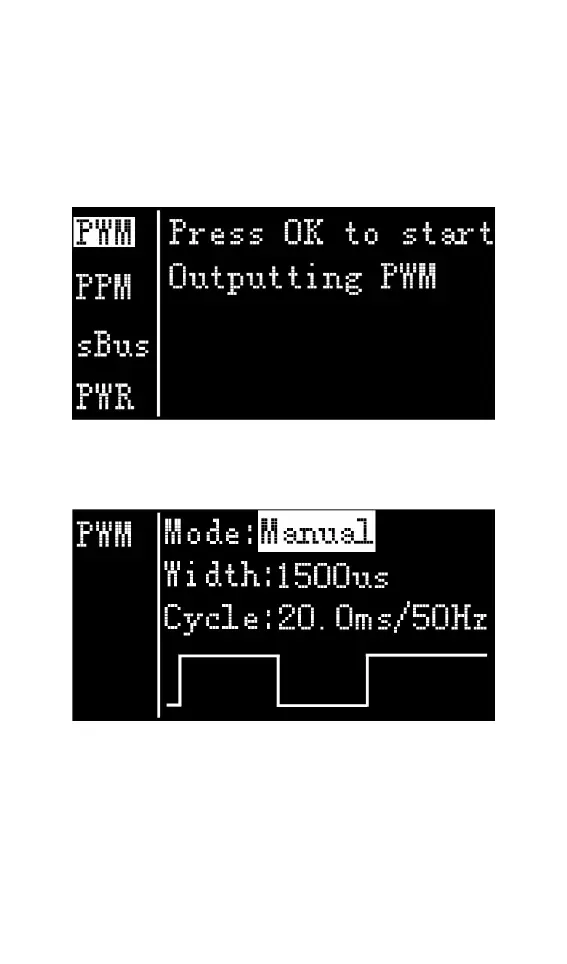
After selecting the [Output] function on the main
interface, press [OK] to enter the function, and the
following interface is displayed.
Rotate the Jog to move the cursor to the [PWM]
item, press [OK] to enter the PWM test interface as
shown below.
Rotate the Jog to move the cursor to the [Manual]
item, press [OK] to set the output mode, which can
be set to Manual, Auto 1, Auto 2, Auto 3.
When the mode is set to manual, you can move the
cursor to the pulse width and period items to set the



 To Next Page