@
ToolkitRC
2019
battery power)
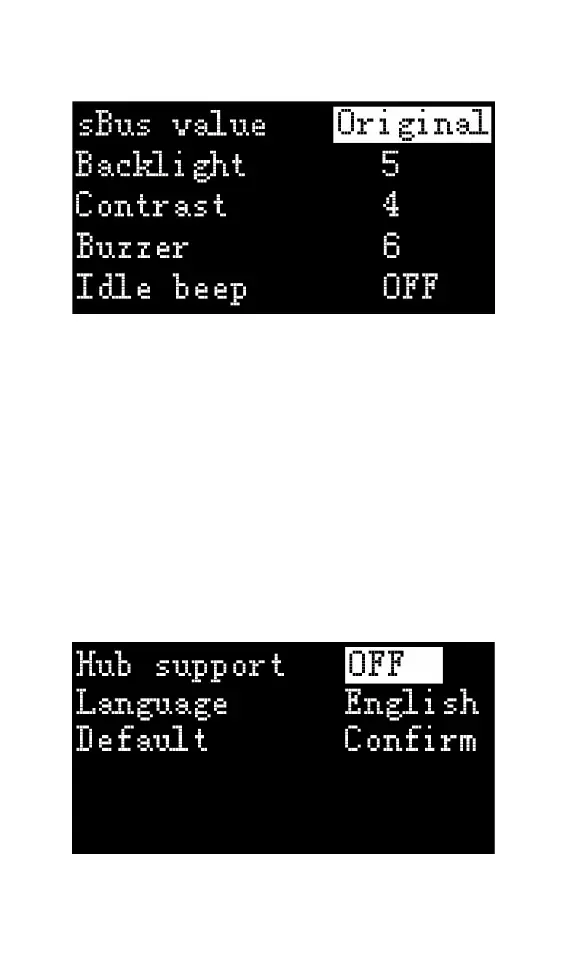
xBus display value: The display mode of xBus when
measuring or outputting, can be set to pulse width
value (1000-2000), or original value (0-2047).
Backlight brightness: The brightness level of the
backlight of the display can be set to 1-10
Contrast: Display contrast of the display, which can
be set to (-10 to 10)
Buzzer: The tone of the buzzer can be set to off.
Energy saving tips: The sound and light are not
disconnected from the power supply during this
time.
Continuous operation: After charging and



 To Next Page