35
OPERATION OF Ez Capture for DC-4
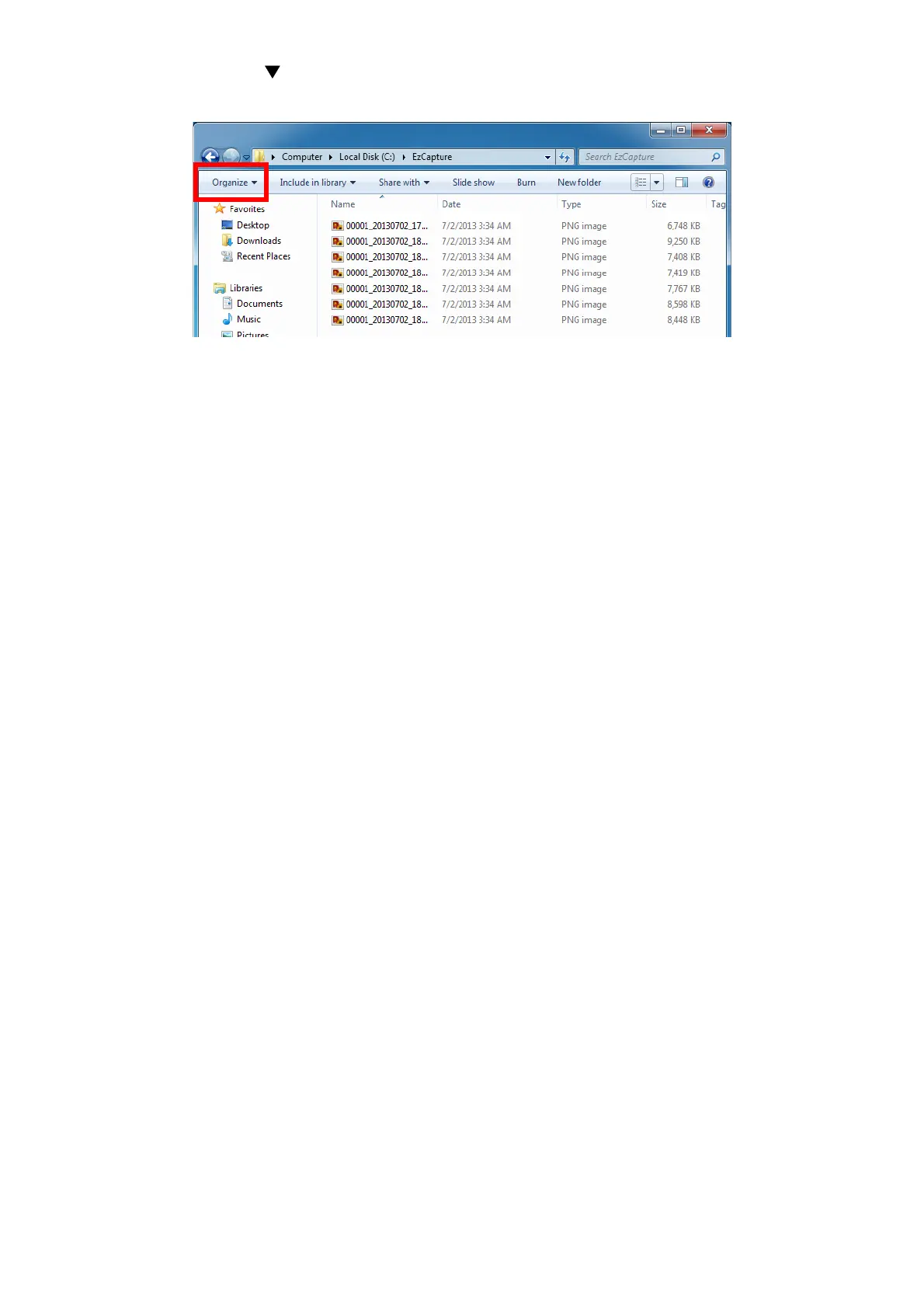
(4) Press the leftmost [ ] icon on the menu bar, and the pull-down menu is displayed. Click [Folder
and search options].
(5) The folder options dialog box is displayed. Select the [Display] tab.
(6) Click the [Applied to folder] button.
(7) Press the [OK] button to finish the setting.












 To Next Page