33
OPERATION OF Ez Capture for DC-4
Saving the image
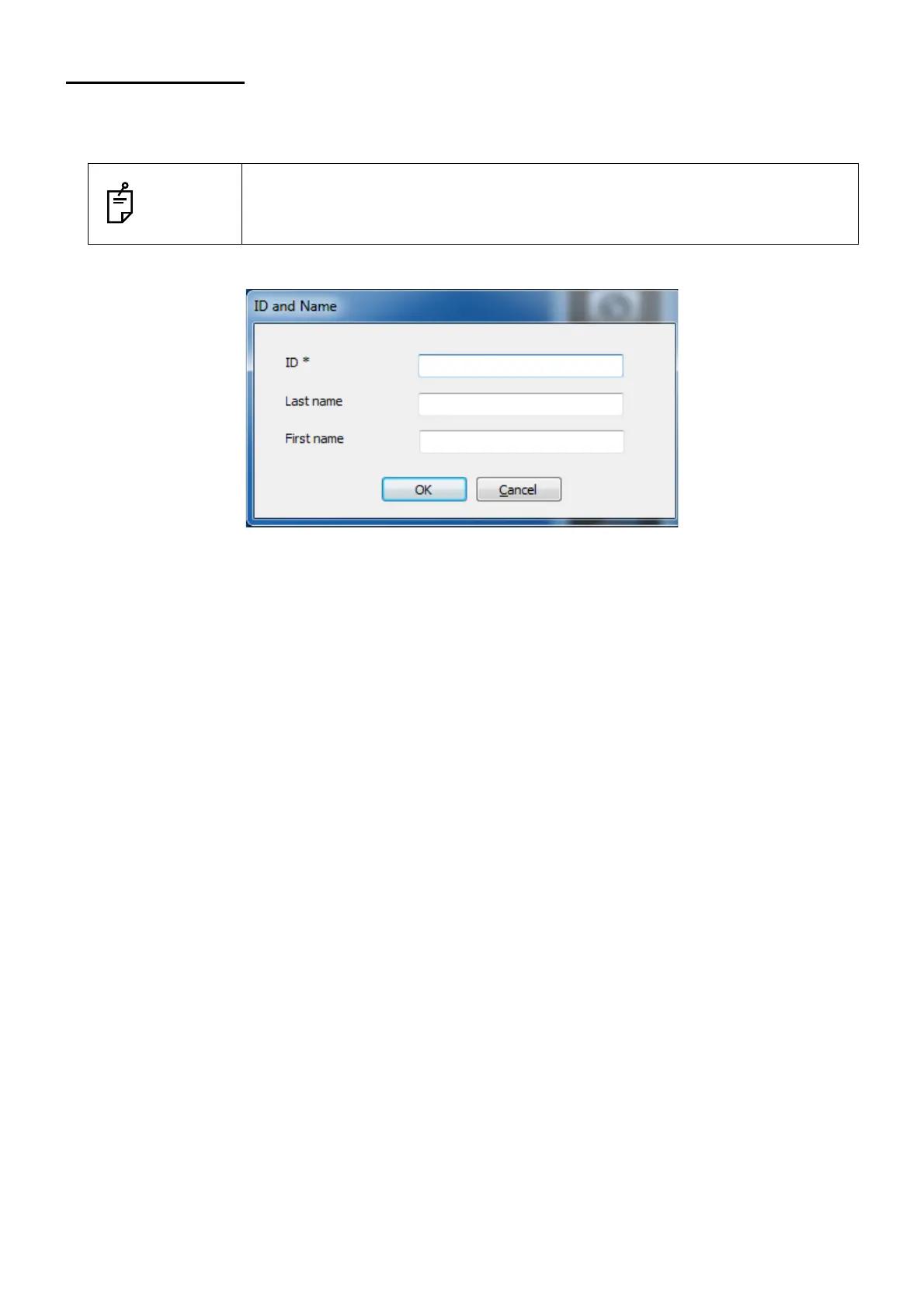
ID input
• * is displayed for the requisite item. On [File name] of "Setup of Ez Capture", set one of "First name"
and "Last name" as the saved file name. It will be the requisite input item.
• You can enter the alphanumeric characters up to 63 in "ID".
• Click the [Save] icon on the tool bar while the photography screen appears. The image (or movie) is
saved with the specified file name and the system closes the photography screen.
Saved image file
The image is saved with the format set on [File format] in "Setup of Ez Capture".
The image (or movie) photographed by Ez Capture is temporarily saved in the place set with [Image
Directory] of "DC-4 Setting". Click the [Save] icon on the tool bar, and the image is saved in the place
set with [Folder Setup] of "Setup of Ez Capture".
Example:
When items used for file names are "ID, name, date, time, procedure, R/L", digits of sequence number
"3", separators "_" and the file is saved in the file format "JPEG", the file name (example) is as follows:
000-00-0001_TOPCON_20130601_151014_DC4Image_L_001.jpg
NOTES
You can specify the patient ID when saving an image.
Before or after photographing, "ID input screen" appears.
For setting the ID input timing, refer to "Options" of "Setup of Ez Capture".












 To Next Page