32
OPERATION OF Ez Capture for DC-4
Functions of the information window
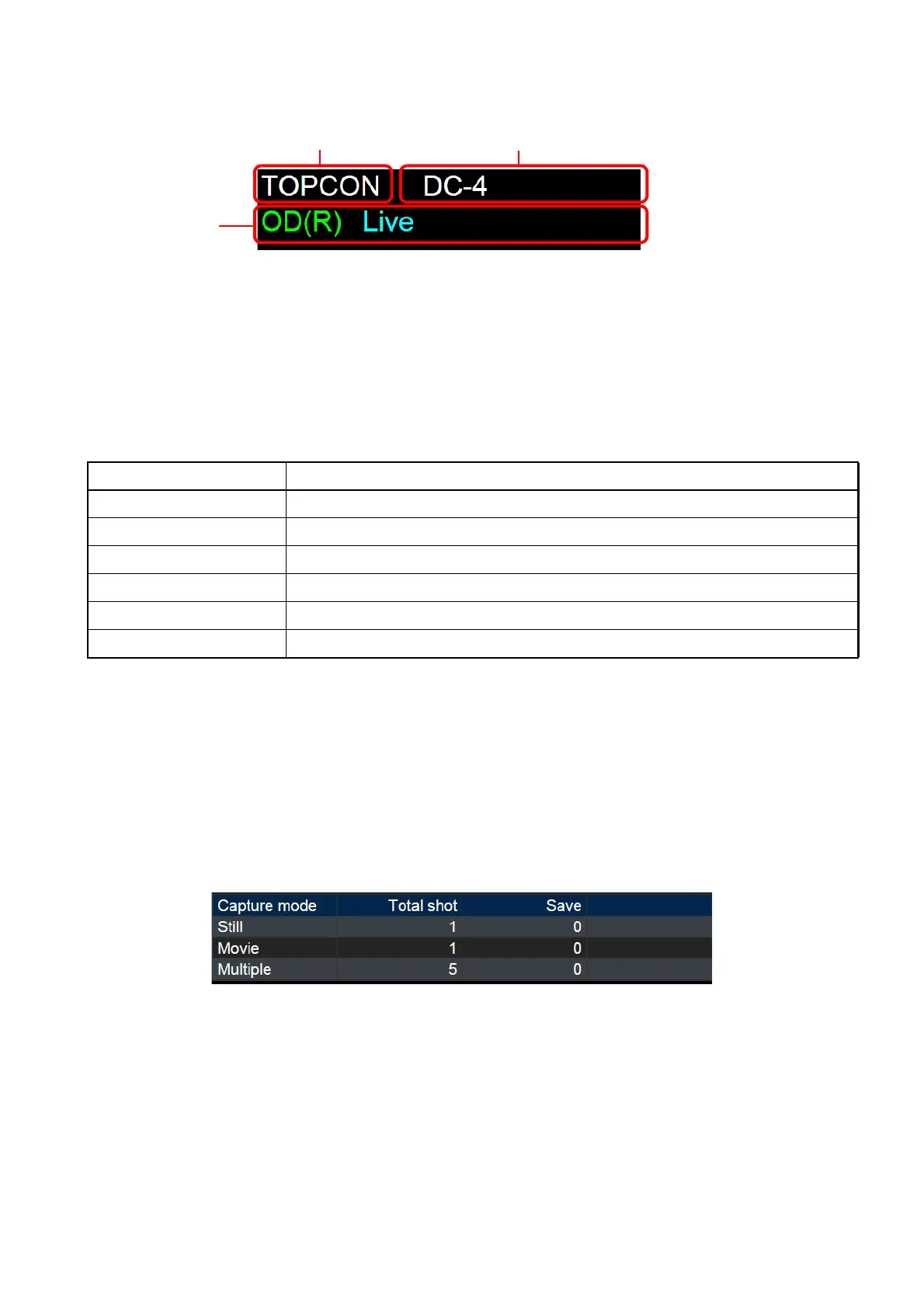
This window displays the information of the patient being photographed and the status of DC-4.
(1) Patient ID
Displays the ID of the patient who is the object of the current photography.
(2) Patient name
Displays the name of the patient who is the object of the current photography. "First name" and
"Last name" are displayed in order.
(3) Status display
Displays the status information of DC-4. The details of the displayed status are shown below.
Functions of the photography result list
The number of the captured images and the number of the images reserved for saving for each pho-
tography mode are displayed. The "Total Shot" column displays the number of the captured images (or
movies) for each photography mode. The "Save" column displays the number of the images reserved
for saving out of the total photographed images (or movies). Double-clicking the list changes the
screen to the selected photography mode.
Item Description
OD(R) / OS(L) Displays the information of the captured eye.
DC-4 Not Connected Indicates in red that DC-4 is not connected.
Live Indicates in cyan that a live image is being displayed.
Capturing Indicates in magenta that a still image is being captured.
Recording Indicates in magenta that a movie is being recorded.
Encoding Indicates in yellow that a movie is being encoded after recording.












 To Next Page