31
OPERATION OF Ez Capture for DC-4
• Replay of the selected movie
When the photography mode is "Movie", selecting a thumbnail image on the photographed image
list and clicking the the [Play movie] icon on the tool bar play the selected movie on the photography
window.
Clicking a movie pauses if it is playing. Clicking a movie plays if it is paused.
When the photography mode is "Movie", double clicking a image displayed on the photography win-
dow or a thumbnail image on the photographed image list plays the selected movie on the photogra-
phy window.
Functions of the captured image list
• Thumbnail display of the photographed image
The thumbnails of the captured images (or movies) are displayed in a list. Select a thumbnail
image, and the image (or movie) is displayed on the photography window.
• Displaying/hiding the image reserved for deleting
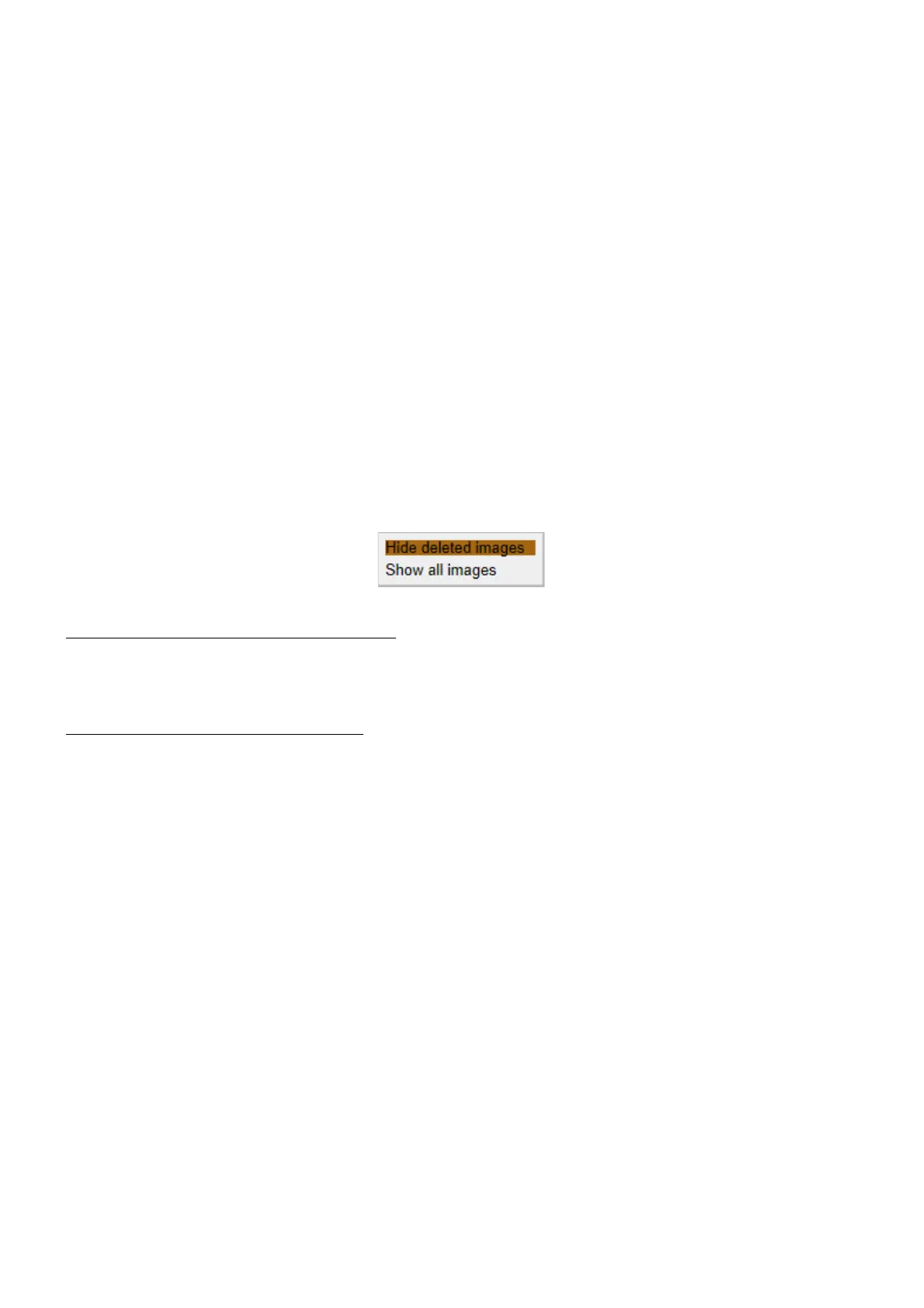
When "Select delete file" is ON in "DC-4 Setting page", click the right mouse button within a thumb-
nail image. The following items are displayed and you can set whether the image to be deleted
should be displayed or not.
When "Hide deleted images" is selected:
The image (or movie) reserved for deleting is hidden. The hidden image is not saved when clicking the
[Save] icon on the tool bar.
When "Show all images" is selected:
"DELETE" is displayed on the image (or movie) reserved for deleting. The image (or movie) marked
with "DELETE" is not saved when clicking the [Save] icon on the tool bar.












 To Next Page