30
OPERATION OF Ez Capture for DC-4
• Display of the selected image
Selecting a thumbnail image on the photographed image list displays the selected image (or movie)
on the photography window. Clicking the [Previous] or [Next] icon on the tool bar changes the
image (or movie) on the photography window.
• Scaling up/down the entire image
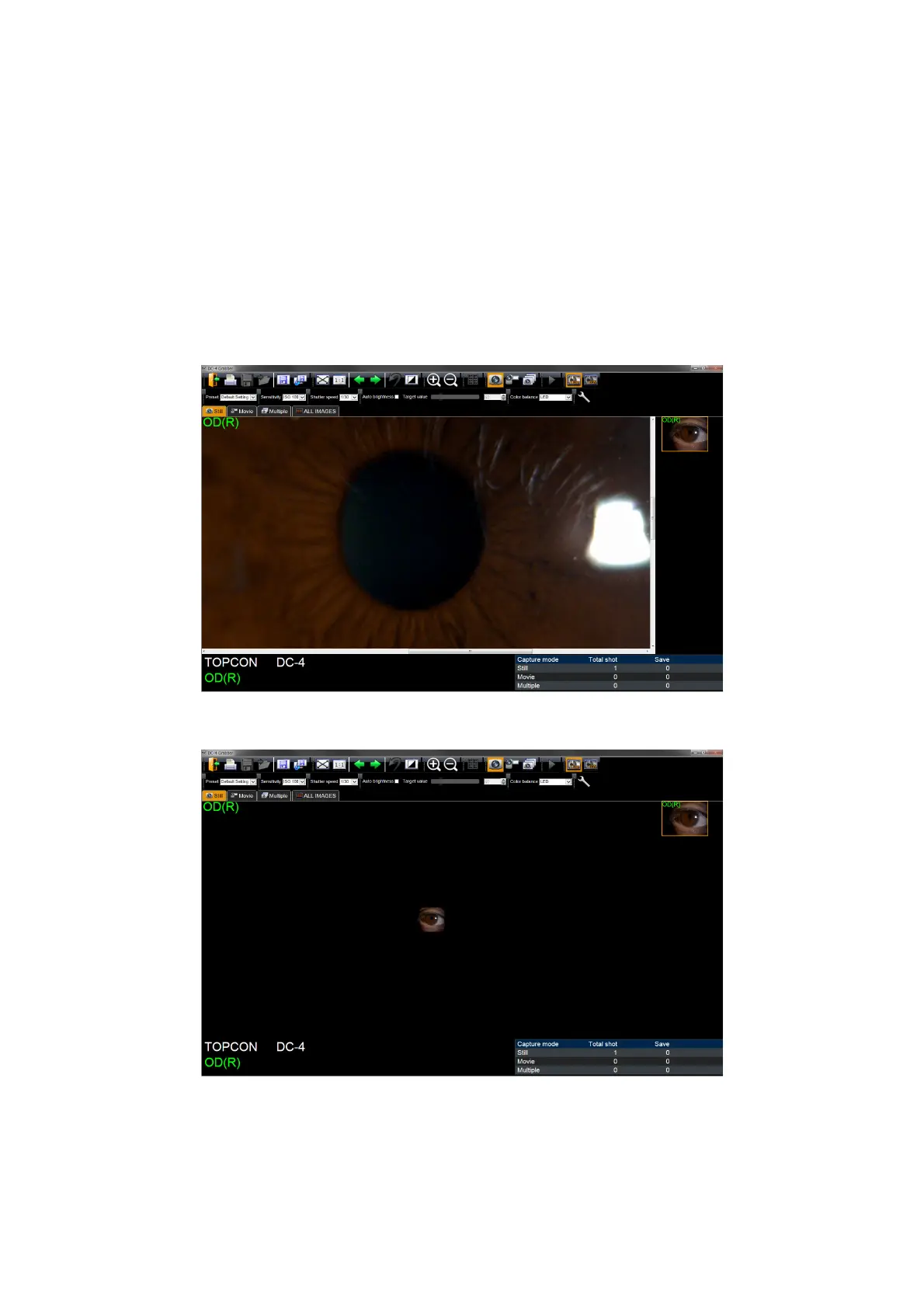
Rotating the mouse wheel while an image (or movie) is in the photography window scales the image
(or movie) up/down. When an image (or movie) size exceeds the photography window, dragging
with mouse changes the portion displayed on the photography window. At this time the photogra-
phy information (for example, right/left eye) is displayed at the upper right and left corners on the
displayed image. Click the [Zoom-in] and [Zoom-out] icons on the tool bar to scale an image (or
movie) up/down.
Scaling up the entire image
Scaling down the entire image












 To Next Page