29
OPERATION OF Ez Capture for DC-4
Functions of the photography window
• Photography tab change
By changing the tab, you can display each photography mode (Still/Movie/Multiple/COMPOSITE)
and "ALL IMAGES". Change the tab, and the image (or movie) of the selected photography mode is
displayed. In the case of "ALL IMAGES", the thumbnails of all the captured images (or movies) are
displayed in a list.
• Display of live image
When [Live] is set to "ON" in "DC-4 Setting page" and "Still" mode or "Movie/Multiple" mode is
accessed, a live image is displayed by photographing.
White balance One touch
white balance
Automatically acquires the optimum white balance in the cur-
rent status.
Auto Place a mark in the checkbox. The auto adjustment function
of white balance is always valid.
Default Resets the white balance parameter to the value before
changing.
Color adjustment Default Resets the color adjustment parameter to the value before
changing.
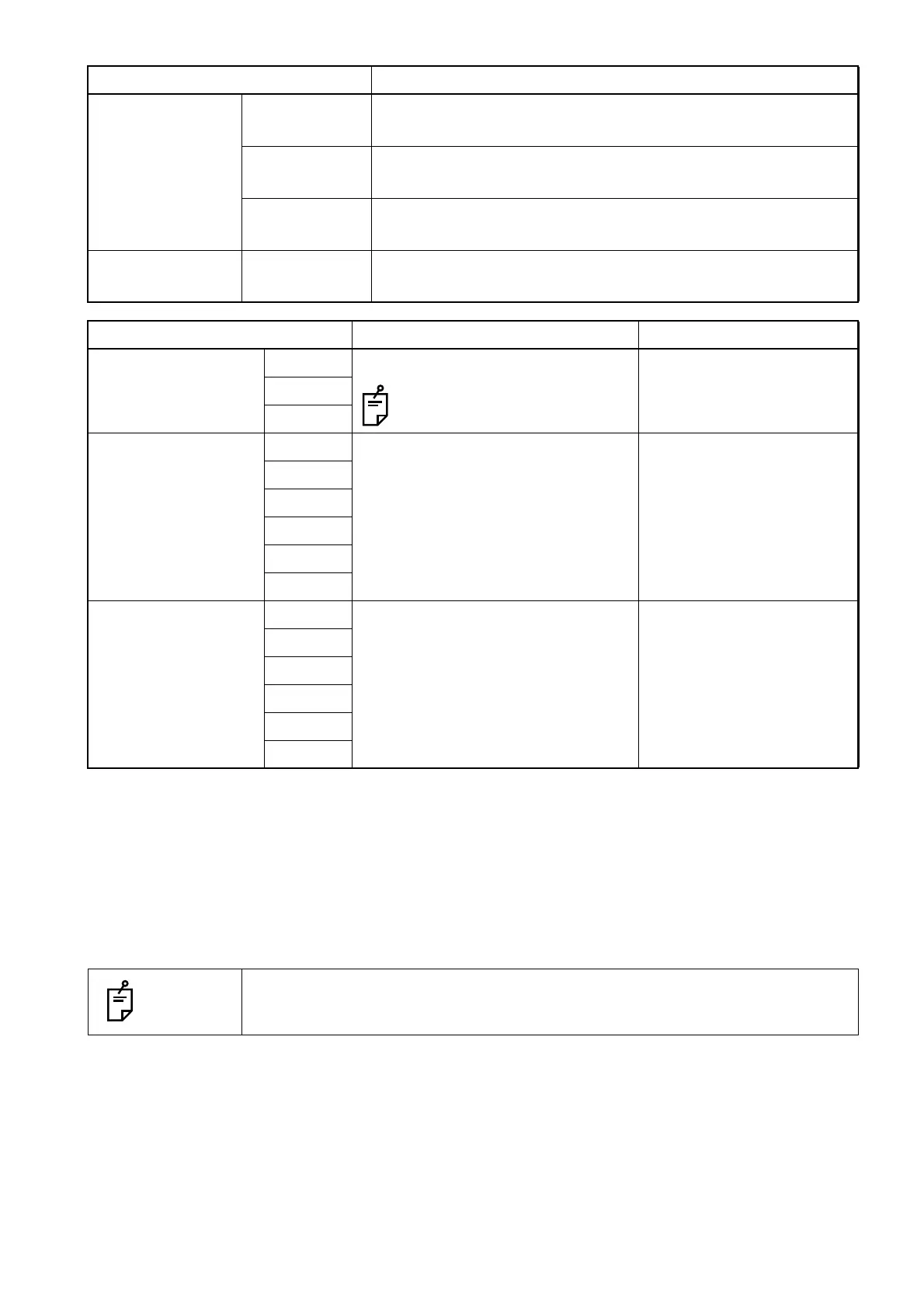
Item Description Set value
White balance Red Sets the white balance gain.
"64" is fixed for "Green".
0 - 1023
Green
Blue
Color adjustment
Saturation
Red Sets the value of saturation. 0 - 255
Yellow
Green
Cyan
Blue
Magenta
Color adjustment
Hue
Red Sets the value of hue. -128 - 127
Yellow
Green
Cyan
Blue
Magenta
NOTES
The [COMPOSITE] tab is displayed when using the composite function.
Button Description












 To Next Page