21
INDICATION OF CHART
Reversing the black-and-white condition of chart
While the visual acuity chart is indicated, press the [Shift] switch. The [Reverse] button is displayed as
the function button. Touch the [Reverse] button. The black-and-white condition of the chart being dis-
played is reversed.
* When operating through mouse/personal computer:
Click the button on the CV software screen, and the black-and-white condition of the chart
can be reversed.
The example of use is shown below.
1 Indicate the tumbling E chart [0.2-0.4].
2 Touch the [Reverse] button.
The black-and-white condition of the chart is reversed.
3 Touch the [Reverse] button again.
The black-and-white condition of the chart is reversed to be the normal condition.
While the black-and-white condition of the chart is reversed, it is possible to apply a mask, to indi-
cate the targets at random and to indicate other visual acuity charts in the reverse condition.
Stereoscopic vision
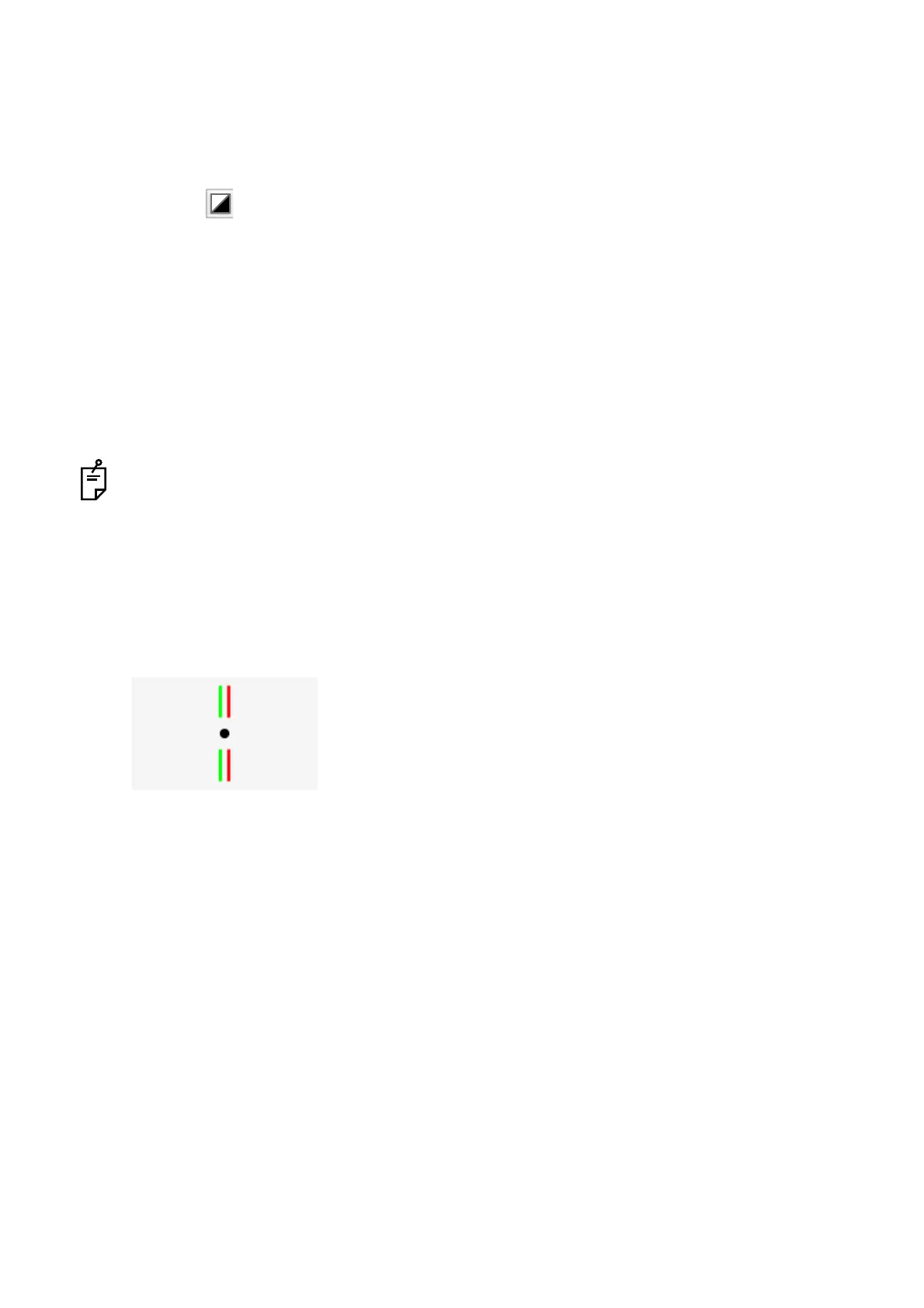
Set the red and green lenses, which are the auxiliary lenses, to the right and left eyes respectively and
then perform the test. Measure the degree of stereoscopic vision. Two lines are seen in fusion to form
a single line image and floated against the central circle.
The binocular parallax is about 13'.



 To Next Page