27
INDICATION OF CHART
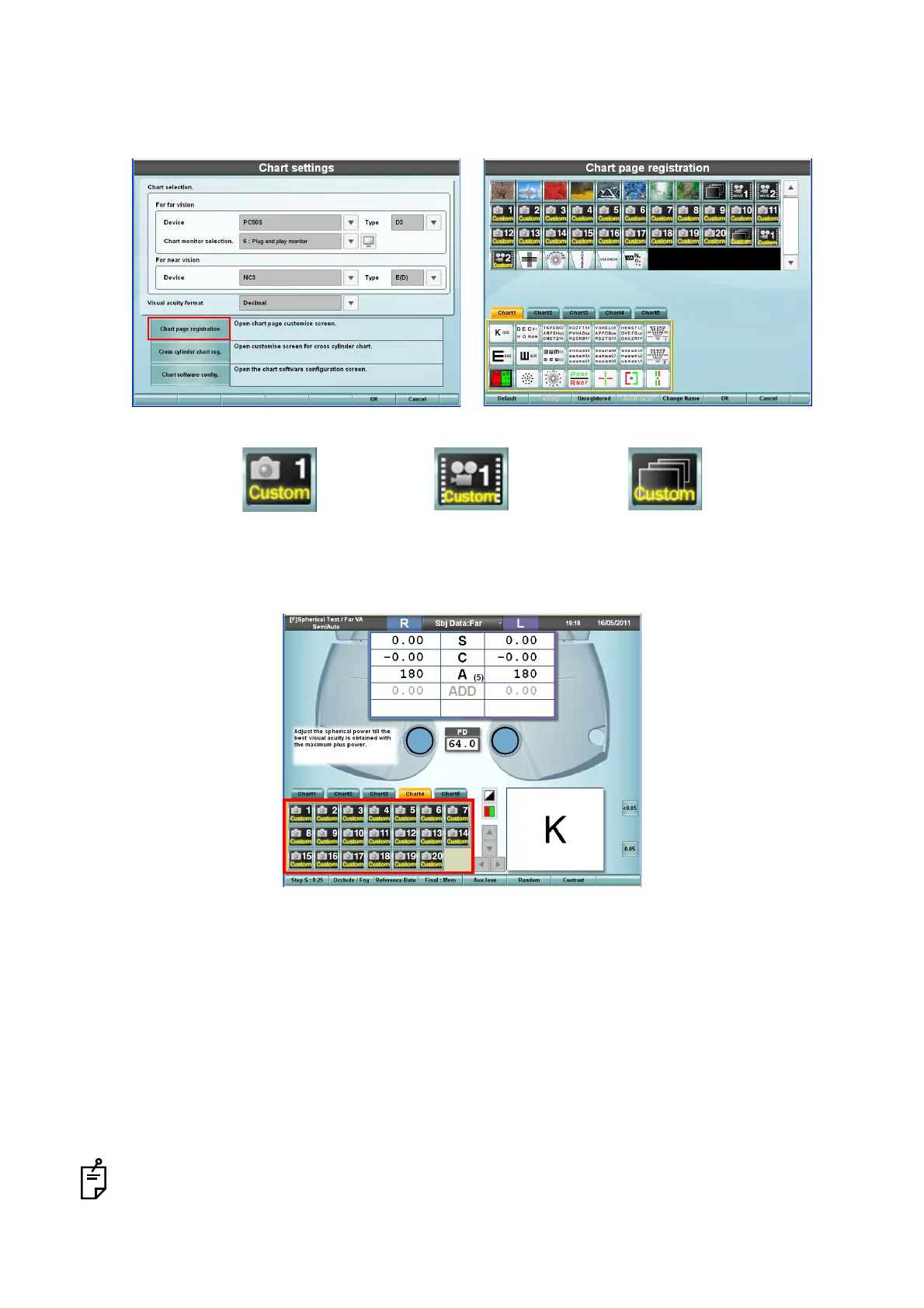
4 Touch the [Chart page registration] button on the "Chart settings" screen to display the "Chart
page registration" screen. Register the icons for the custom still image, custom movie and cus-
tom slideshow.
5 Return to the test screen. Touch the icons of the custom still image, custom movie and custom
slideshow to play back the still image and movie.
* File format and filename
• Still image to be saved in "Selective" and "Slide"
Format is JPEG and size is optional. The still image is displayed on the whole screen of PC-50S
during playback. The filename must be 01.jpeg - 20.jpeg.
• Still image to be saved in "KB50S"
Format is BMP and size is fixed at 800×600. The still image cannot be displayed in any other
size. The filename must be 01.bmp - 20.bmp. When the file saved in "Selective" is accessed
through KB-50S, the BMP file with the same number is displayed on KB-50S as a near-point
image.
When operating through mouse/personal computer, the near-point image does not appear.
Custom still image Custom movie Custom slideshow



 To Next Page