37
PREPARATIONS
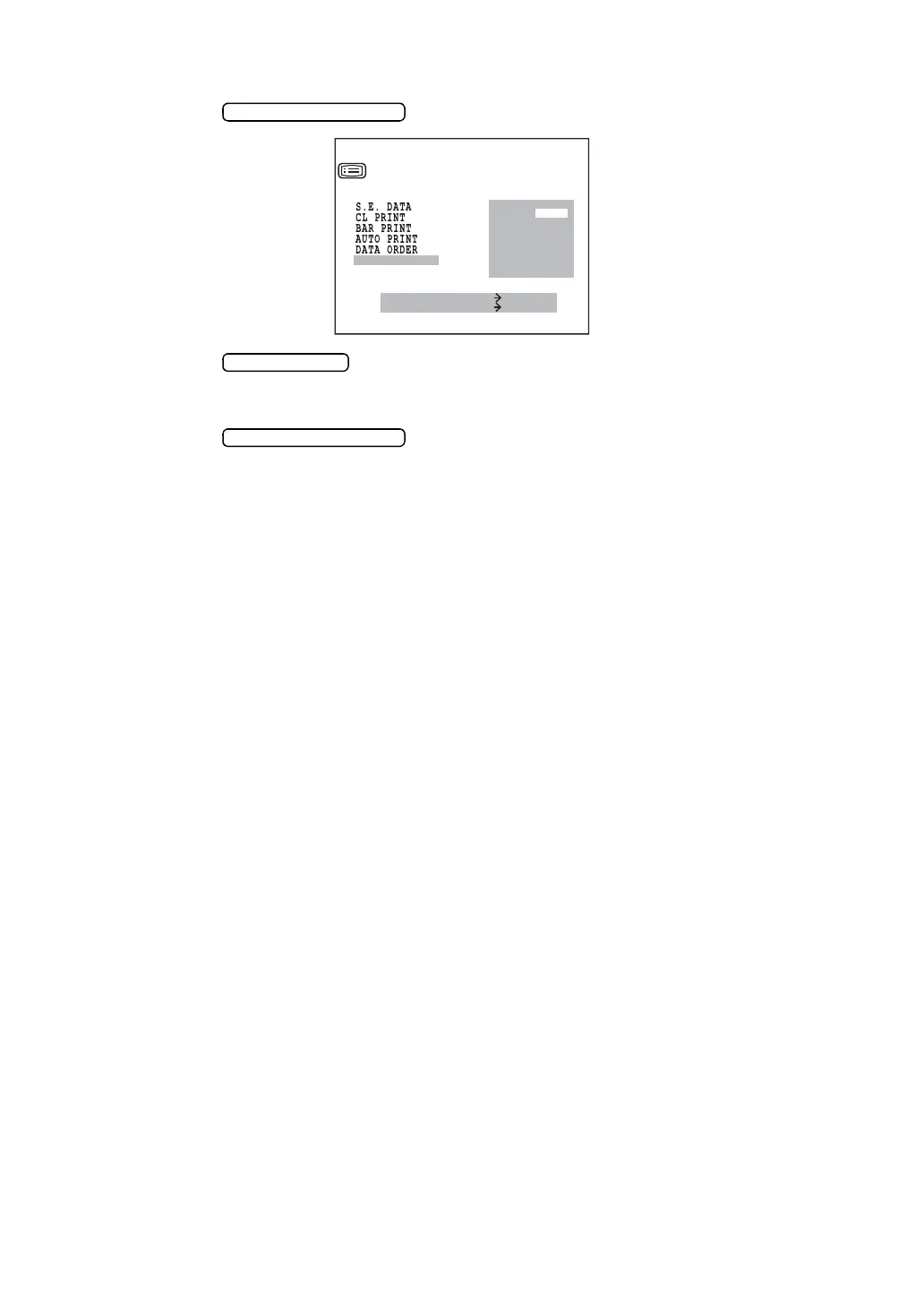
CHANGING THE PRINTOUT DISPLAY ORDER (Only in KR-8900)
1 Press the and bring the cursor to “PRINT R/L”.
2 Press the and choose
DATA (separate printout for REF/KRT), or
R/L (printout of right eye and left eye in this order, irrespective of REF/KRT)
3 Press the for setting; the cursor moves to the next item.
DATA
R/L
MEASURE SWITCH ITEM
PRINT SWITCH SELECT
PRINT OUT
KRT PRINT TYPE
PRINT R
/
L



 To Next Page