36
PREPARATIONS
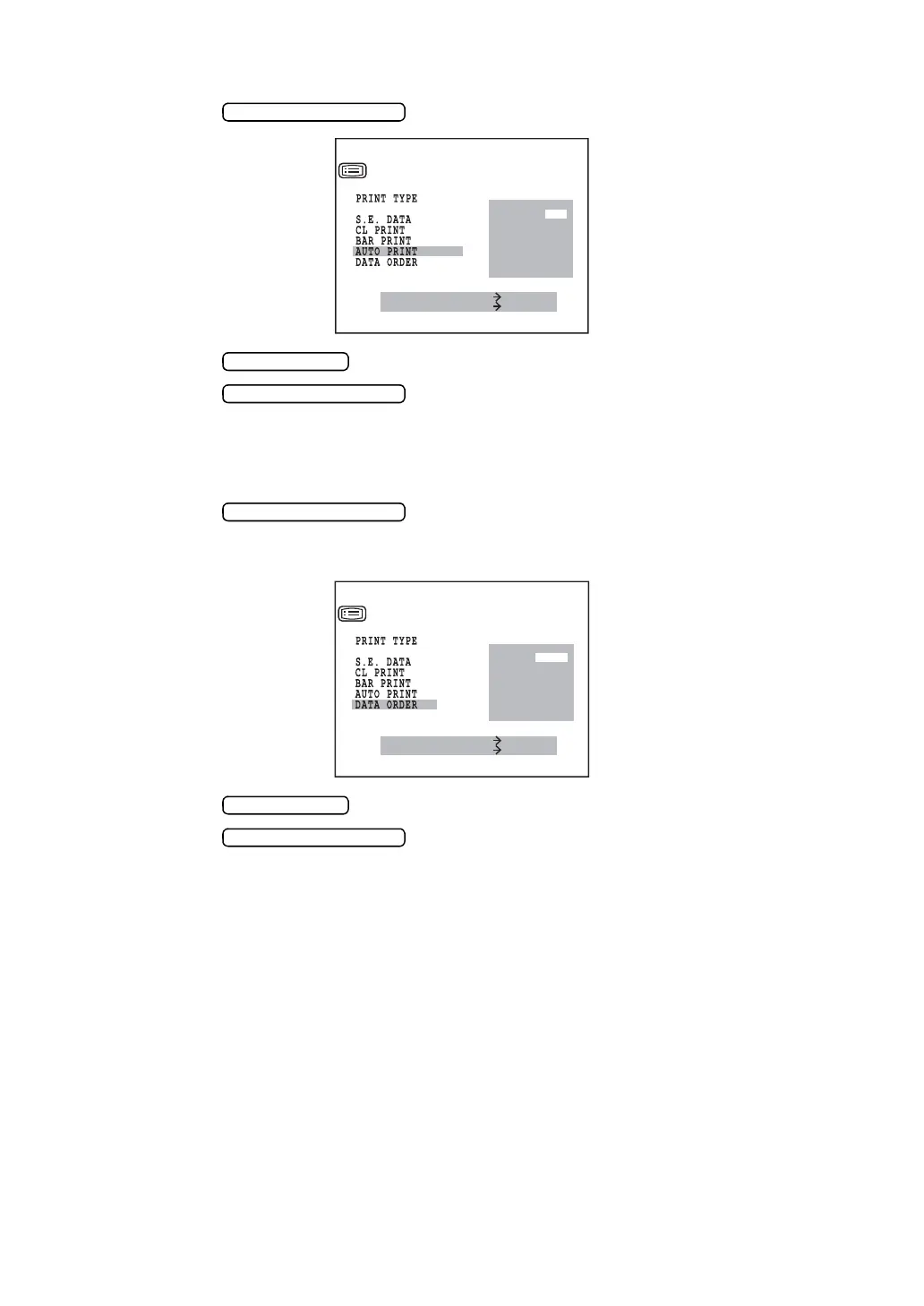
AUTO PRINT AFTER FINISHING AUTO START MEASUREMENT (Only in KR-8900)
1 Press the and bring the cursor to AUTO PRINT.
2 Press the and choose “YES” (auto printout) or “NO” (no auto printout).
3 Press the for setting; the cursor moves to the next item.
CHANGING THE PRINTOUT DISPLAY ORDER (Only in KR-8900)
1 Press the and bring the cursor to DATA ORDER.
The printout display order of cornea refractory power and curvature can be changed.
Before shipment, the setting is DATA ORDER D/MM.
2 Press the and choose D/MM or MM/D.
3 Press the for setting; the cursor moves to the next item.
MEASURE SWITCH ITEM
PRINT SWITCH SELECT
PRINT OUT
YES
NO
KRT PRINT TYPE
D
/
MM
MM
/
D
MEASURE SWITCH ITEM
PRINT SWITCH SELECT
PRINT OUT
KRT PRINT TYPE



 To Next Page