69
INDIVIDUAL OPERATIONS
MEASURING THE STATIC IMAGE
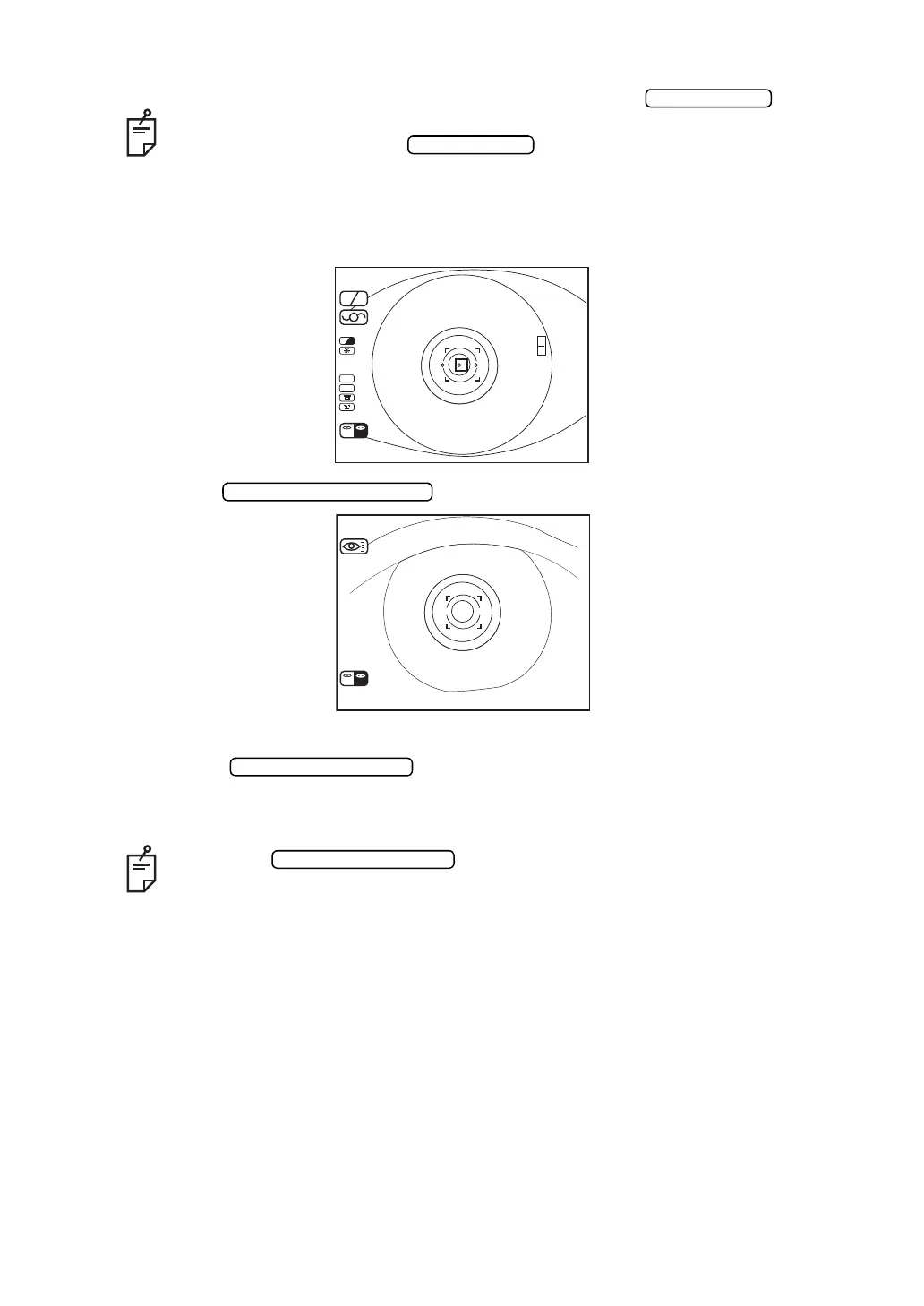
1 Focus the target eye.
2 Press the .
3 Make sure of the cornea diameter screen.
4 Press the . The image of right eye is stored and the memory
counter of screen changes to “1”.
• To get out of the mode during measurement, press the .
• When the measurement result is necessary for one eye only, do the measure-
ment and then press the and get out of the mode.
• Under the REF mode, the measurement of cornea diameter cannot be done.
When the is pressed repeatedly, the memory counter
remains as is “1”, but the latest image is stored.
SC A
A
HV
R
K
m
D
CYL
VD
12.00
R
R00 00
K
L
01
0001
(-)
/
00 00
/
R
D
L
CORNEA DIAMETER 1
R L
DATA INPUT
L



 To Next Page