70
INDIVIDUAL OPERATIONS
5 Store the image of left eye in like manner.
6 Press the .
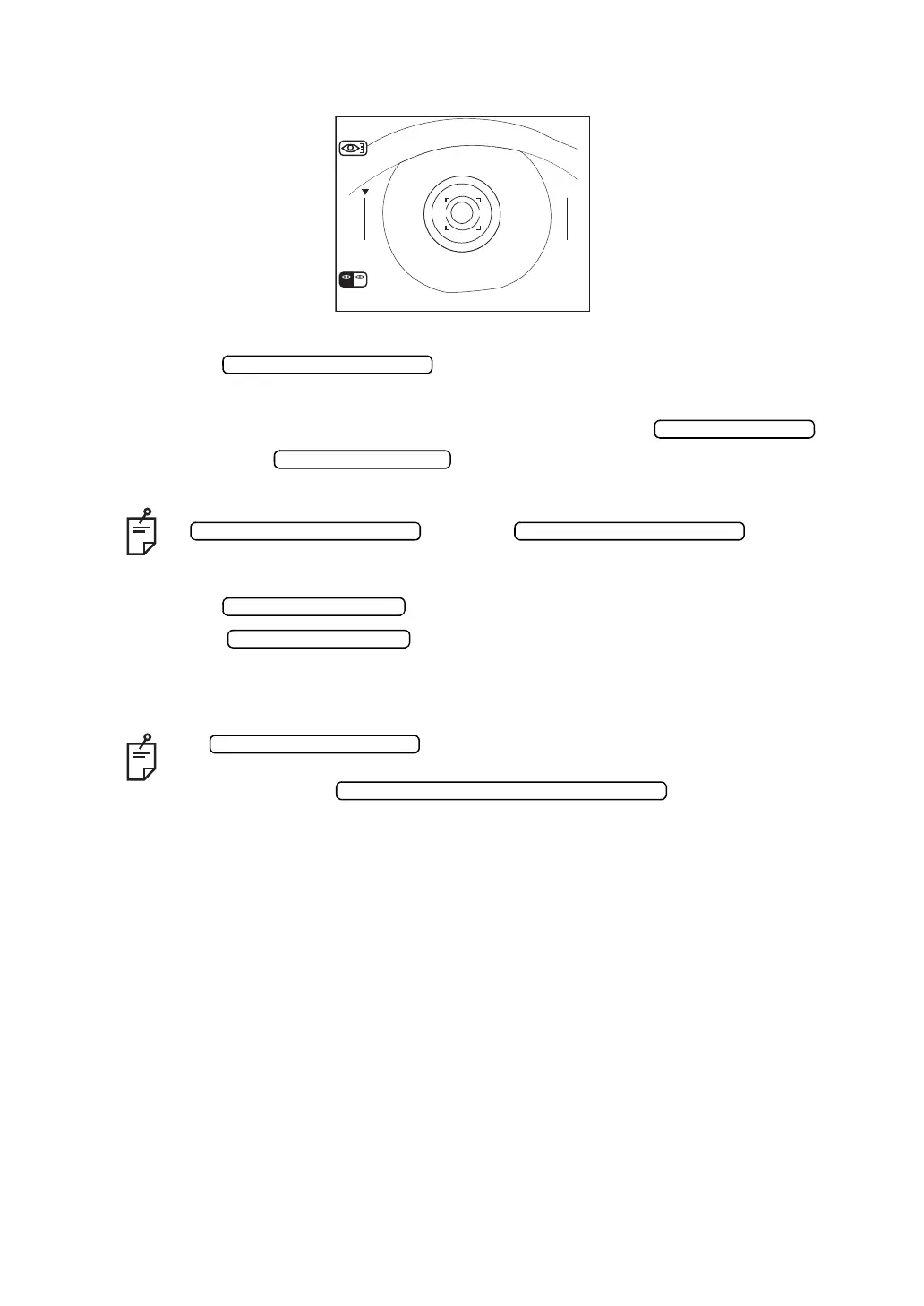
7 Make sure of the cornea diameter screen.
8 Bring the left positioning bar to the left end of iris by pressing the (for
moving left) and (for moving right).
9 Press the . The cornea diameter is displayed.
10 Press the . The measurement mode of left eye sets in.
Measure also the left eye in like manner.
If it is necessary to move the lft positioning bar again, press the
. When the is pressed
further, right and left positioning bars return to the initial positions.
• When the image of only one eye is necessary, press the
after storing the image.
• When images of both eyes are stored, the lft/right eye screen can be switched
by pressing the .
CORNEA DIAMETER
L
R L
(Measuring the left eye only)
CORNEA DIAMETER MEASUREMENT SWITCH



 To Next Page