16
ASSEMBLY PROCEDURE
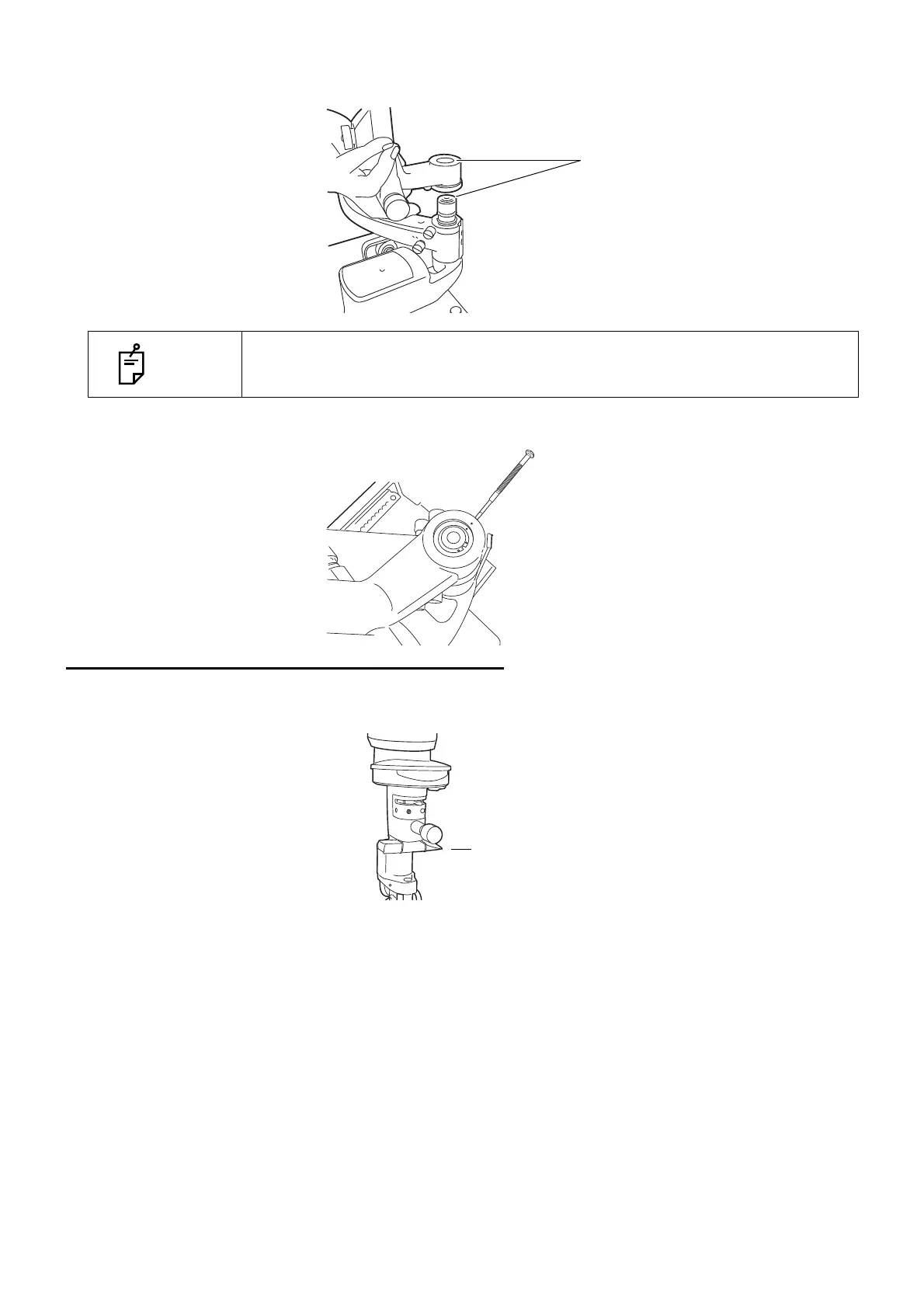
2 Loosen the fixing screw on the outside of the fitting cavity of the illumination unit with a screw-
driver. Align indices and slowly lower the illumination unit onto the shaft of the base unit.
3 Firmly tighten the fixing screw with a screwdriver.
REMOVING THE ILLUMINATION UNIT PAD
1 Remove the rubber band and slowly withdraw the protection pad from the slit operation mecha-
nism of the illumination unit.
NOTE
While assembling the illumination unit, take care not to get your fingers caught.
Protection pad (for transportation)



 To Next Page