29
OPERATION PROCEDURE
DIFFUSION LENS SO-DF 01 (OPTIONAL ACCESSORY)
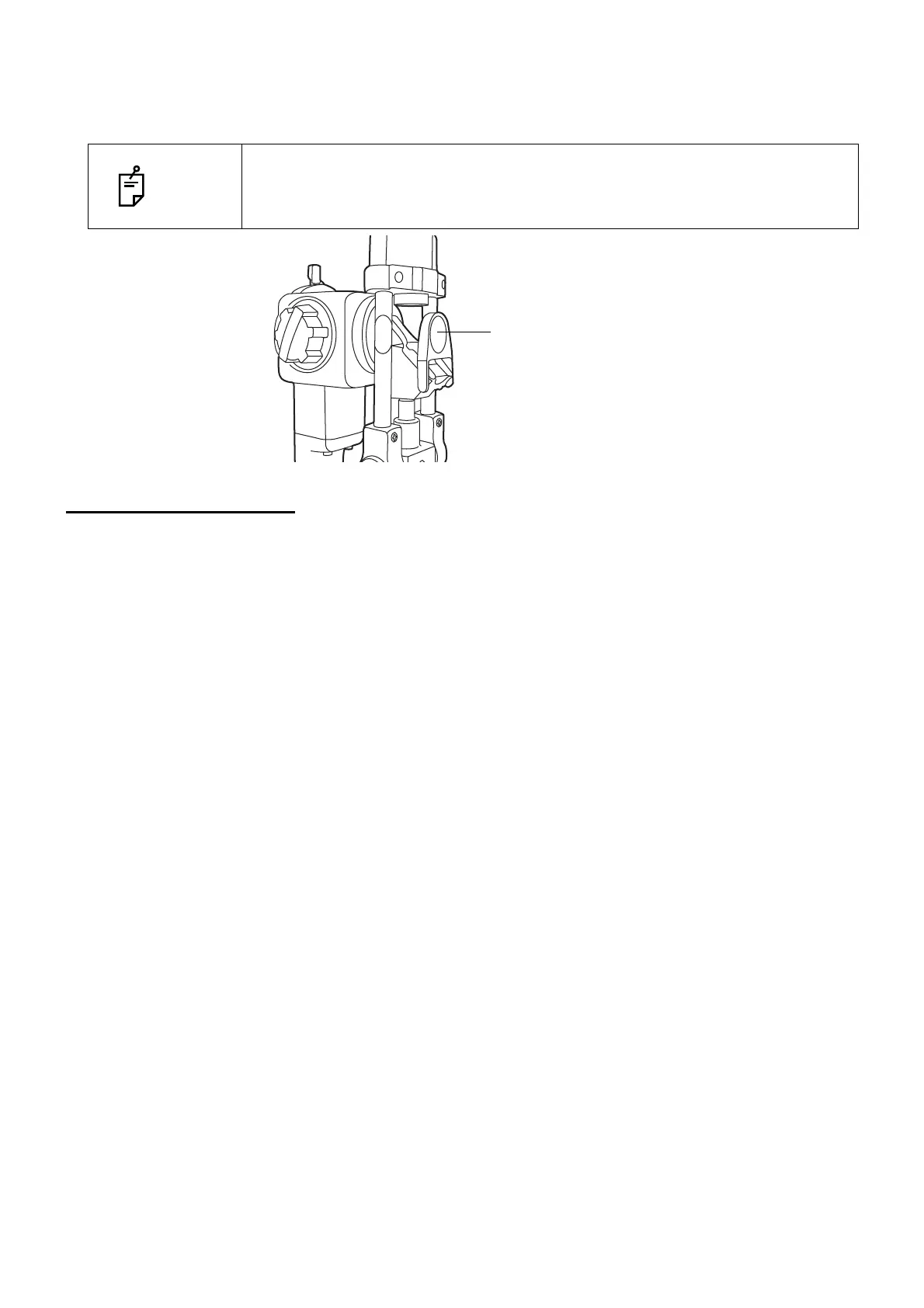
When in use, the diffusion lens is set vertically in front of the reflection mirror.
When not in use, remove the diffusion lens from the light path.
ENDING PROCEDURE
Turn OFF the Power switch.
NOTE
When using the diffusion lens, open the microscope arm and illumination arm
30°to avoid friction of the diffusion lens or illumination support.
Also, fully open the slit; otherwise this prevents sufficient light from entering.



 To Next Page