28
OPERATION PROCEDURE
REPLACING REFLECTION MIRRORS
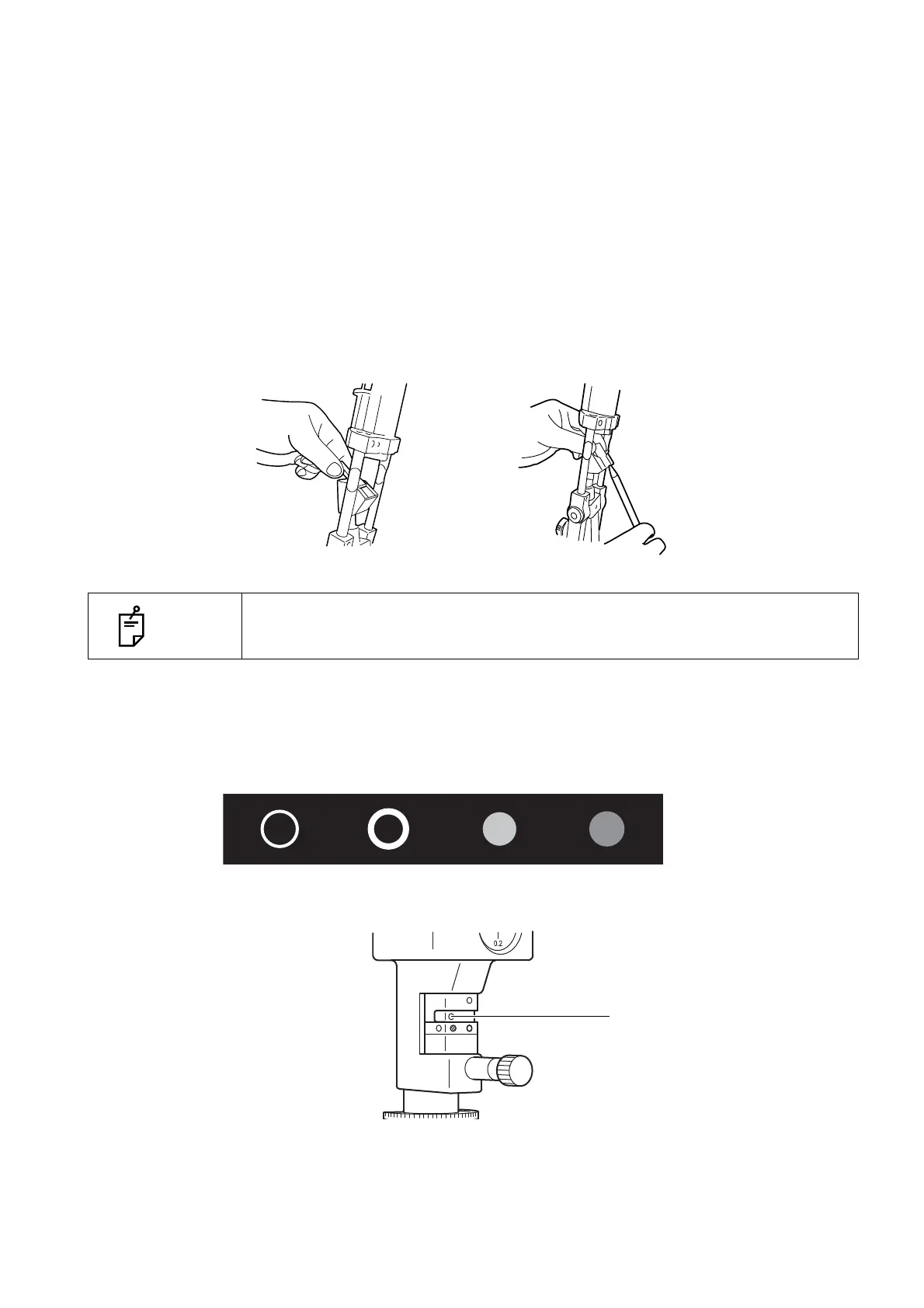
Replace mirrors as follows, taking care not to touch the mirror and lens surfaces:
1 Open the microscope arm and illumination arm 30° or more.
2 Incline the illumination unit 10° or more.
3 Pull out the battledore mirror, holding the slender part on both sides. To reinsert the battledore
mirror, hold the slender part on both sides and insert.
4 Insert the square mirror from the side recessed on the back.
5 To pull out the square mirror, which has no handle, push the square mirror up as illustrated
below.
CHANGING FILTERS
Move the filter selector lever right and left to select the required filter from the 4 types.
NOTE
If you touch the mirror or lens surface, please clean this according to the proc-
ess on page 33 "Cleaning Lenses and Mirrors".
Square mirrorBattledore mirror
Green-colored
No filter
ND filter
(13%transmission)
Blue filter
Red-free filter
Blue-colored



 To Next Page