4
19
Chapter 4
Preference Settings
4.1 Language settings
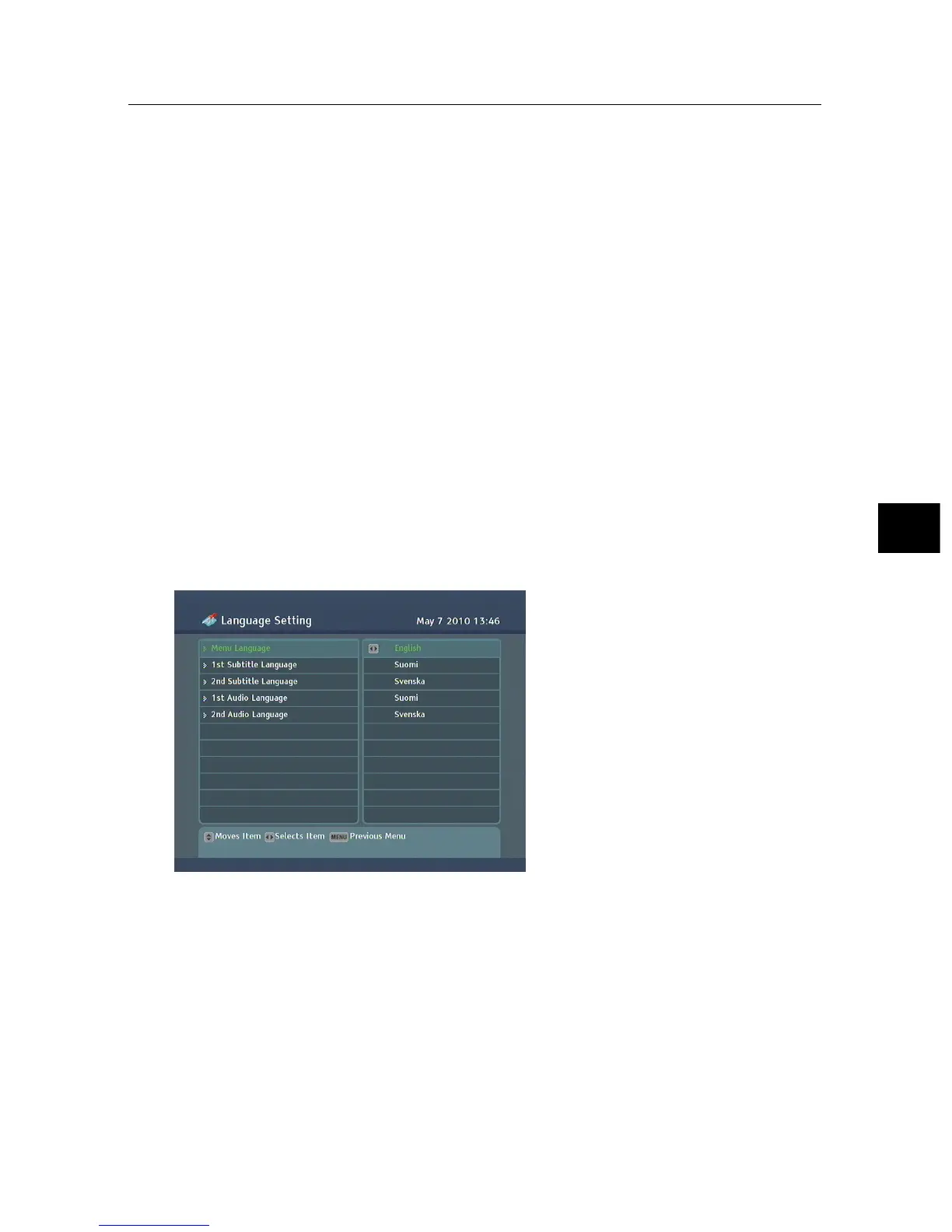
You can select the language in
which the menu will be dis-
played. In addition to that, you
can select the language of audio
track and of subtitle track. Select
the System Setting > Language
Setting menu. You should see a
screen like the left figure.
4.1.1 Menu language
The digital receiver provides menus in several different lan-
guages. Set the Menu Language option to your desired lan-
guage. Once you select a language, the menu will be immedi-
ately displayed in the selected language.



 To Next Page