32 Every Day Use
switch services. If you wish to get out of the current group,
select the All services group on the favourite group list.
Besides that, you can add or delete a favourite group or ser-
vice. To add the service you are currently watching into a
favourite group, put the highlight bar on a desired group and
press the button. To create a new group, press the but-
ton; then the on-screen keyboard appears. Enter your desired
name and save it. See §6.2 as to how to use the on-screen key-
board. To delete a group or a service, press the button, then
you get asked for confirmation. With the choice of Yes, it will
be deleted.
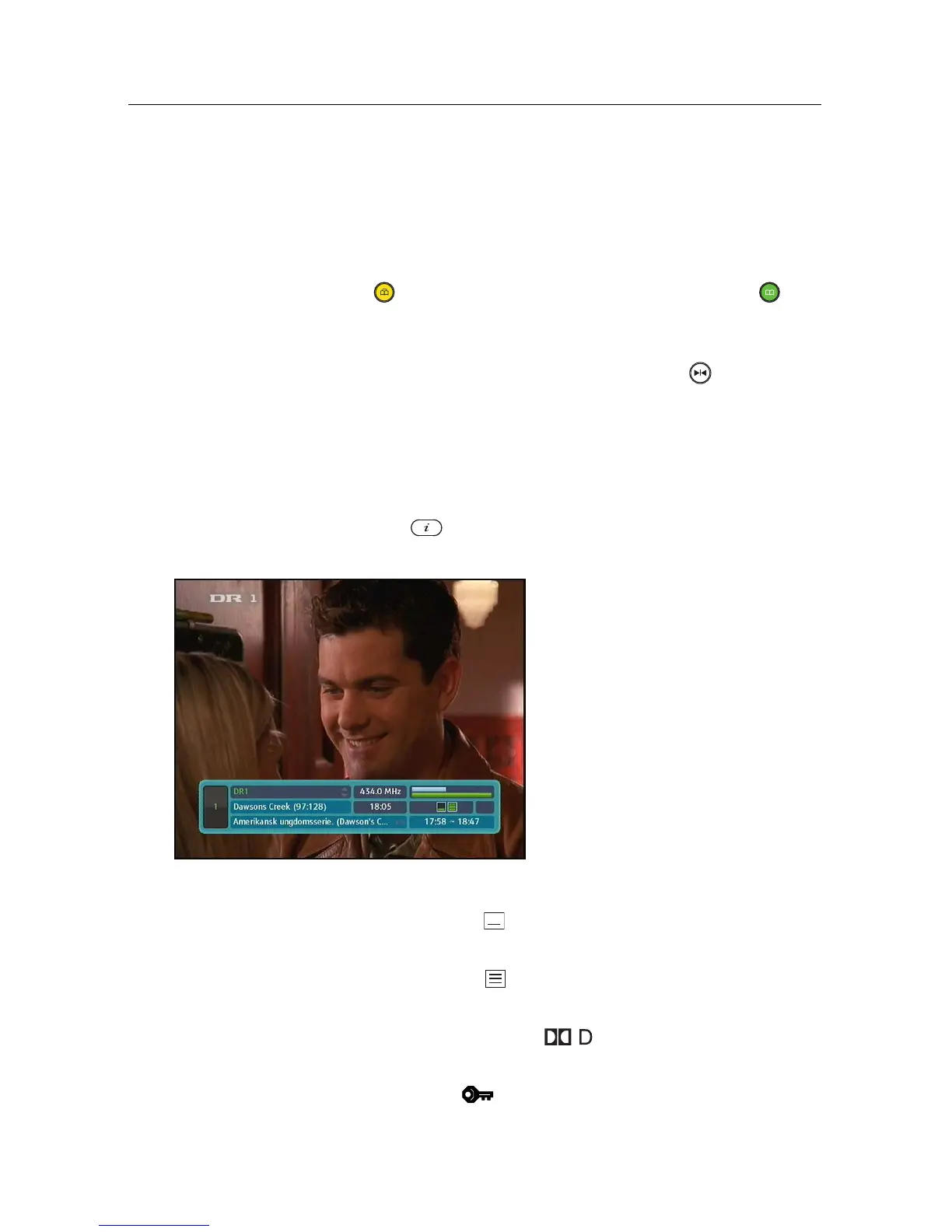
5.2.3 Viewing programme information
Pressing the button displays the information box, on
which you can see all of the following:
• Service number and name
• Signal level and quality
• Programme name
• Programme classification sign
• Programme summary
• Broadcasting time
• Current time
In addition, you might see the following symbols:
• Subtitle symbol ( ) if subtitle tracks are provided on the
current programme.
• Teletext symbol ( ) if teletext pages are provided on the
current service.
• Dolby Digital symbol ( ) if a Dolby Digital audio
track is provided on the current programme.
• Lock symbol ( ) if the current service is locked.



 To Next Page