62 Firmware Update
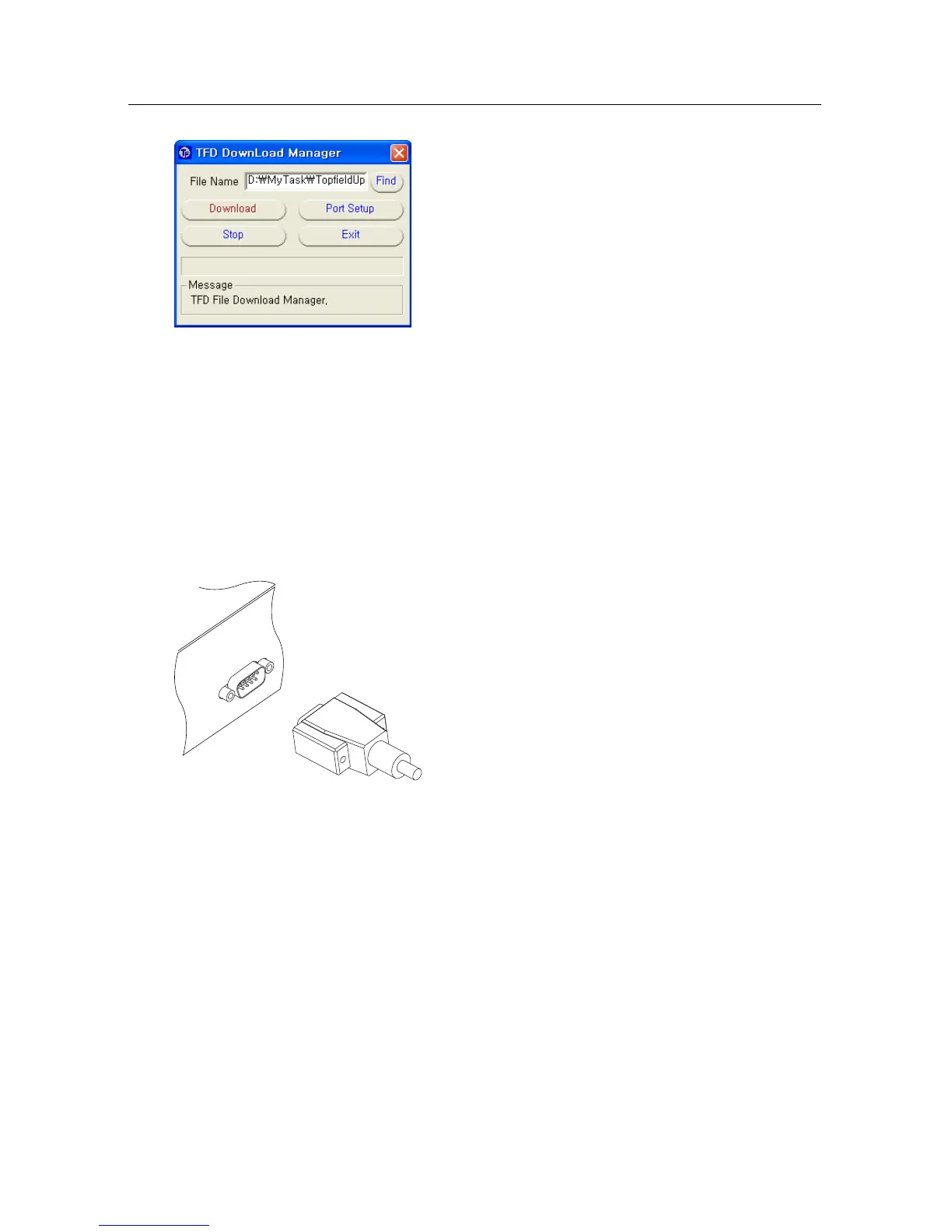
1. Press the Find button to select the new
firmware file.
2. Press the download button, and then turn
on the digital receiver to start the file trans-
fer.
3. A countdown will be displayed on screen.
4. Restart the digital receiver when the file
transfer is complete.
9.4 From another digital receiver via RS-232 port
It is possible to transfer the firmware from the digital receiver
to another same digital receiver by connecting them with an
RS-232 cable. To update the firmware with this method, take
the following steps:
1. Turn off the target digital receiver.
2. Plug one end of an RS-232 cable (9 pin
D-sub cable) into the RS-232 port on the
digital receiver, and the other end into
the matching port on the other digital re-
ceiver.
3. Turn on the source digital receiver if not
already on.
4. Select the Installation > Transfer
Firmware > Transfer Firmware to
Other IRD menu, then you get asked
for confirmation; select Yes.
5. Turn on the target digital receiver to start the firmware
transfer.
6. A progress bar appears showing the progress of the
firmware transfer.
7. Restart the target digital receiver when the firmware
transfer is complete.



 To Next Page