48 Recording and Playback
To record a programme of a pay service in descrambled form,
take the following steps:
1. Select a programme of a pay service you want to record.
2. Make sure that the subscription card is inserted in the
slot on the front of the digital receiver.
3. Start recording.
4. Do not switch to other service nor use time-shift until it
is finished.
NOTE
If you switch to other service or use time-shift in the middle
of recording a pay programme, it will be recorded without
descrambling from that moment. Even if the recording is
only partially descrambled, you need the subscription card
to play it back.
7.2 File archive
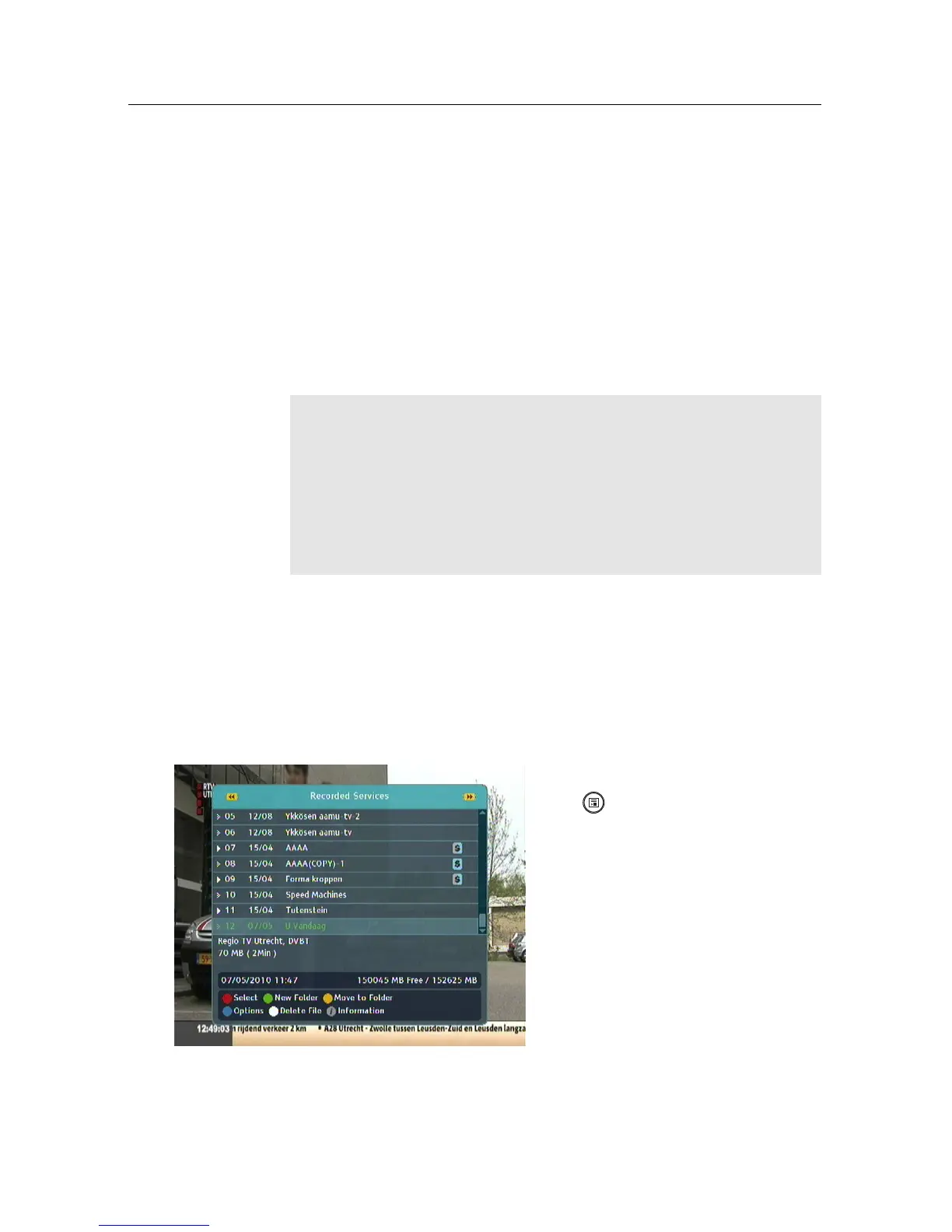
When a programme is recorded, it is stored as a file on the
built-in hard drive of the digital receiver. You can select a
recording to play back from the recorded programme list.
Select the File List menu or press
the button to display the
recorded programme list. The
file information is comprised
of the following elements: file
number, file name, recording
time, running time, file size and
so on.



 To Next Page