5
5.6 Viewing in the picture-in-picture screen mode 37
5.6 Viewing in the picture-in-picture screen mode
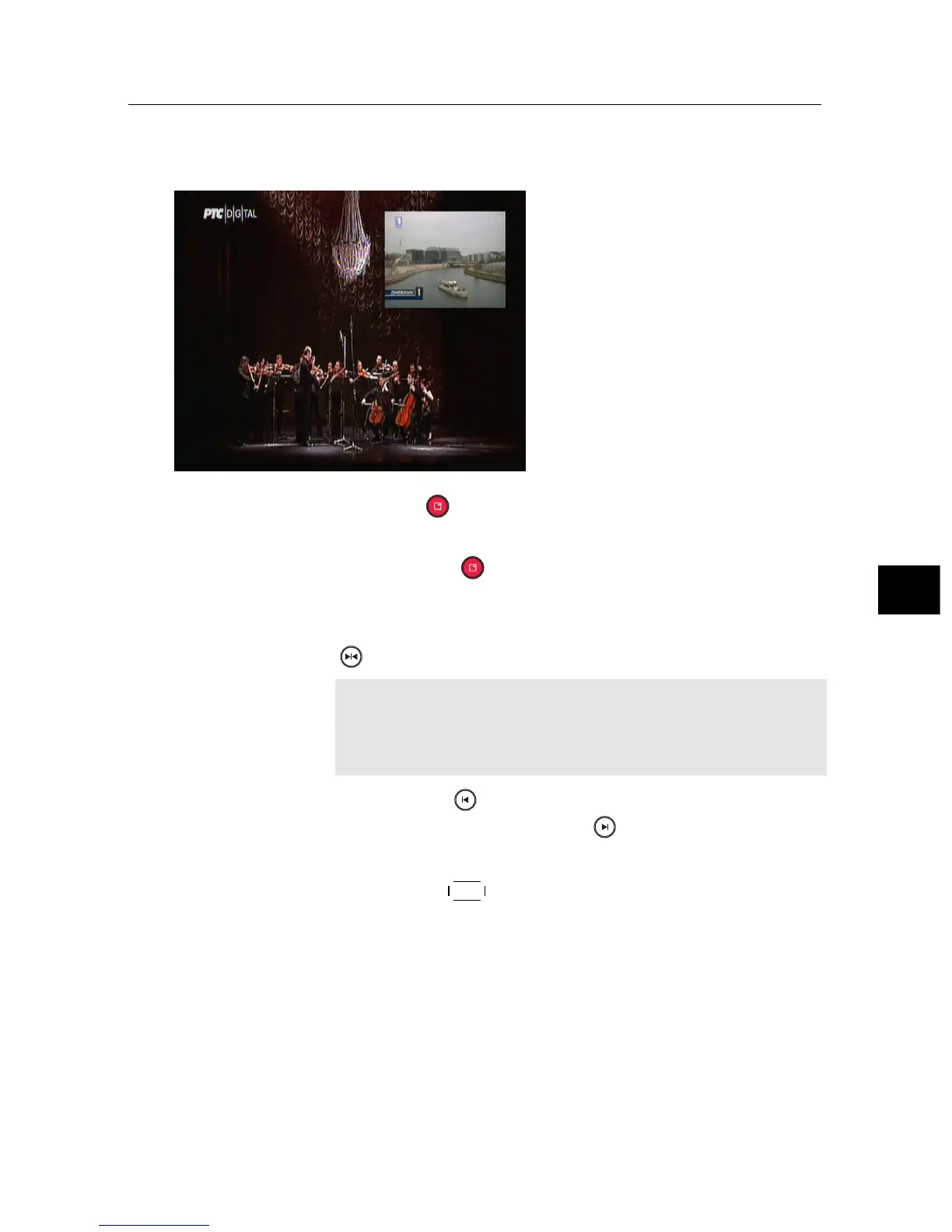
You can watch two services
at the same time with one of
them presented in a sub-picture.
We call this feature picture-
in-picture. The instructions on
how to use the picture-in-picture
feature are as follows:
1. Press the button to display a sub-picture, on which
another service will be presented.
2. Pressing the button once more minifies the sub-
picture, and pressing it once again hides the sub-picture.
3. To display the services list for the sub-picture, press the
button.
NOTE
When a recording is in progress, the available services
in the services list may be limited.
4. Pressing the button moves the sub-picture counter-
clockwise, and pressing the button moves it clock-
wise.
5. Pressing the
SAT button swaps the main picture with the
sub-picture. Even when you play back a recording, you
can watch a live programme in the sub-picture. How-
ever, you cannot swap the pictures in that case.
6. If both pictures are pay services, only the main-picture
will be presented.



 To Next Page