9
59
Chapter 9
Firmware Update
The digital receiver has a stable and convenient firmware to
use. However, once in a while a new firmware may be re-
leased to improve the digital receiver. You can get the lat-
est firmware and the firmware update tool, which runs on
most versions of Windows, from the Topfield website, http:
//www.i-topfield.com.
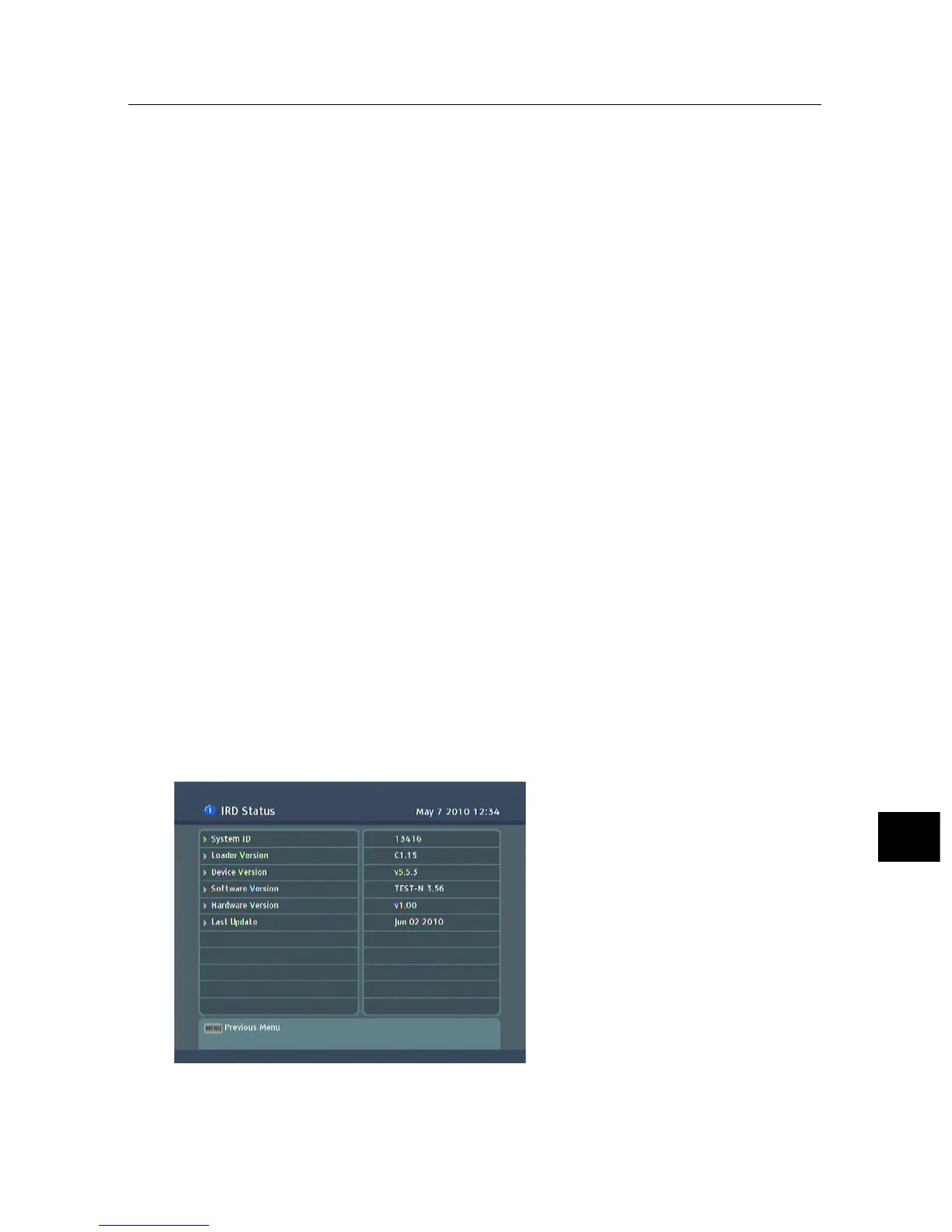
9.1 Checking the firmware information
You have to check the firmware
information of your digital
receiver before downloading
a new firmware. Select the
Information > IRD Status menu.
You should see a screen like
the left figure. Remember
the number of the System ID
item, and download the latest
firmware with the same system
identification.



 To Next Page