7
7.7 Transferring recording files 55
used to transfer files. You can download it from the Topfield
website, http://www.i-topfield.com.
To transfer files, take the following steps:
1. Download the Altair programme and the
USB driver from the Topfield website.
2. Install them on your computer.
3. Plug one end of a USB cable into the USB
port on the digital receiver, and the other
end into the matching port on your com-
puter.
4. Turn on the digital receiver.
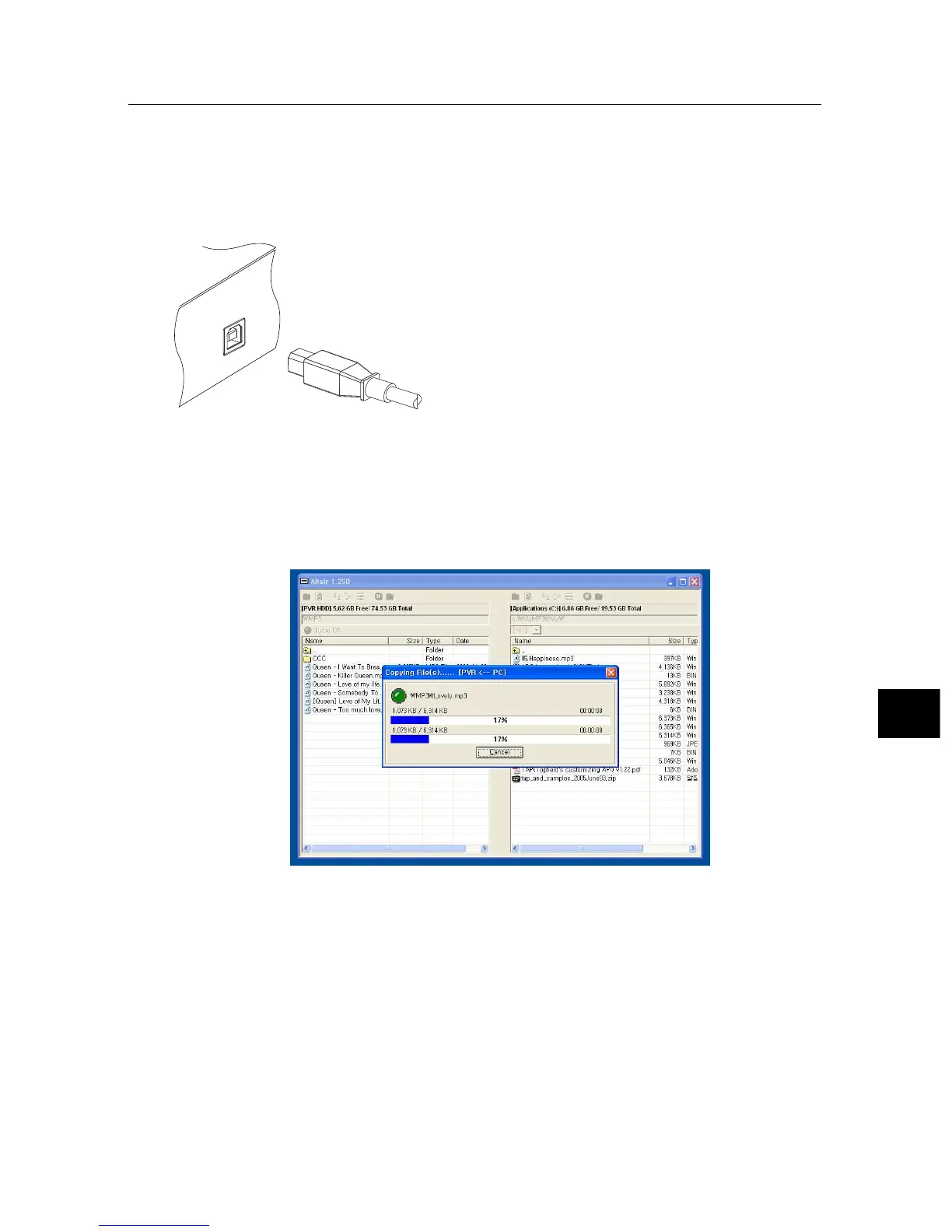
5. Run Altair, then its screen will appear
like the figure below.
The instructions on how to use Altair are as follows:
1. Select files to transfer. The left panel shows files and fold-
ers that are on the digital receiver, while the right panel
shows files and folders that are on your computer.
2. To transfer files from the digital receiver to your com-
puter, press the right arrow button (→).
3. To transfer files from your computer to the digital re-
ceiver, press the left arrow button (←).



 To Next Page