5 Every Day Use
5.3 Viewing electronic programme guide 25
5.3 Viewing electronic programme guide
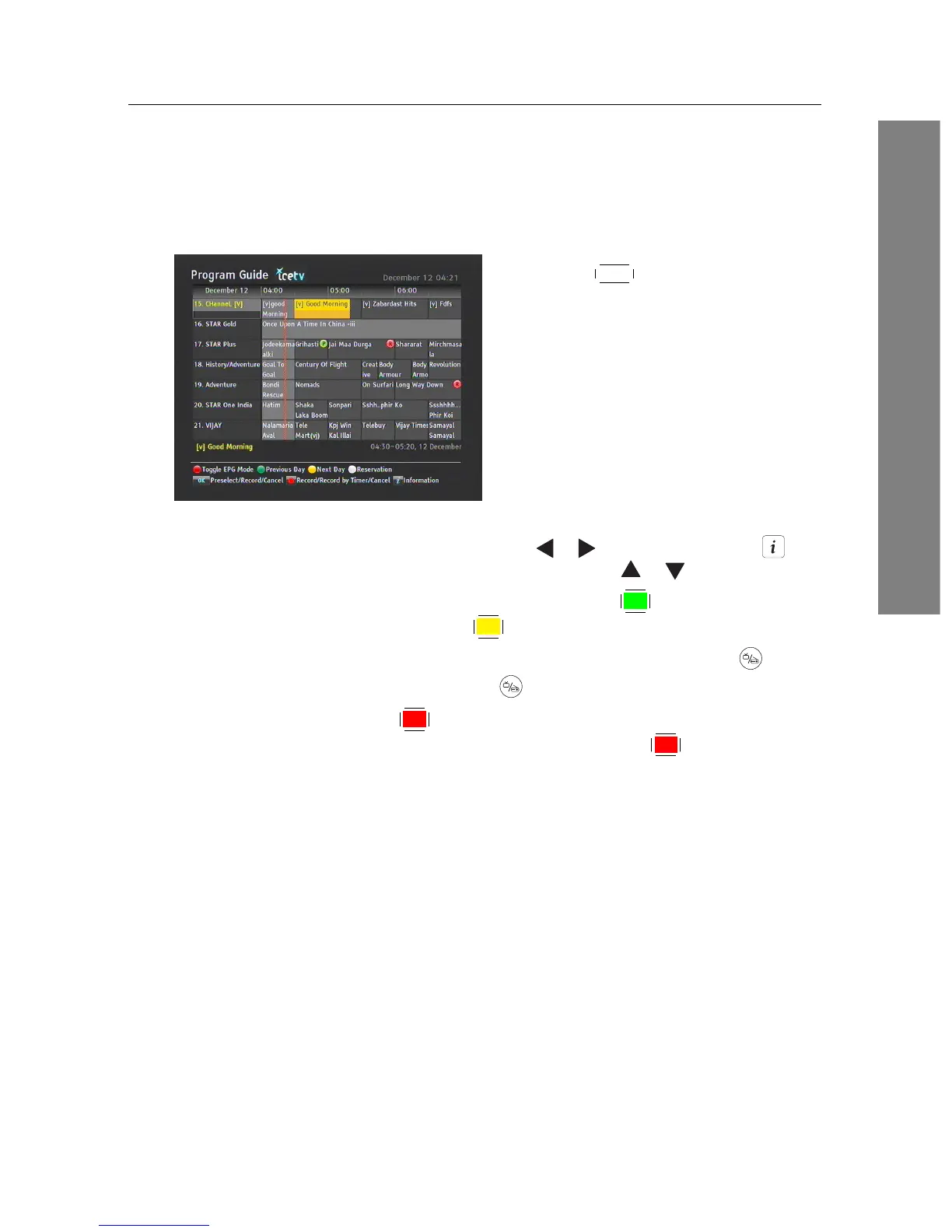
The Electronic Programme Guide (EPG) shows the current and sched-
uled programmes that are or will be available on each service with a
short summary for each programme.
Pressing the
EPG button displays the elec-
tronic programme guide, on which you
can see the following:
• Scheduled programmes
• programme summary
• Broadcasting date
• Broadcasting time
To see detailed information of a desired programme, put the highlight
bar on the programme with the or button and press the but-
ton. To switch to another service, press the or button.
You can travel over previous days with the
F2 button, and can travel
over next days with the
F3 button.
To see the programme guide for radio broadcasts, press the button.
To switch it back, press the button again.
Pressing the
F1 button will rearrange the form, swapping the
columns and rows. To switch it back, press the
F1 button again.
You can make a timer recording on the electronic programme guide.
See §7.1.3 for detailed description.














 To Next Page