8 Accessing via Network
8.3 Accessing the web server 45
NOTE
After selecting activate please allow up to 5 seconds for fields to pop-
ulate. Most routers can be accessed via a web browser. Refer to your
Router user guide on how to access router setting.
8.3 Accessing the web server
To Access to the web server, set the Installation > Network Setting >
Web Server option to Enable.
Select the Installation > Network Setting > User Info menu. At this
time, you have to enter Personal Identification Number (PIN). Then
set the User ID and Password options as you desire. And select OK to
save the settings. When you access to the web server, you will be asked
for the account that was made with these options.
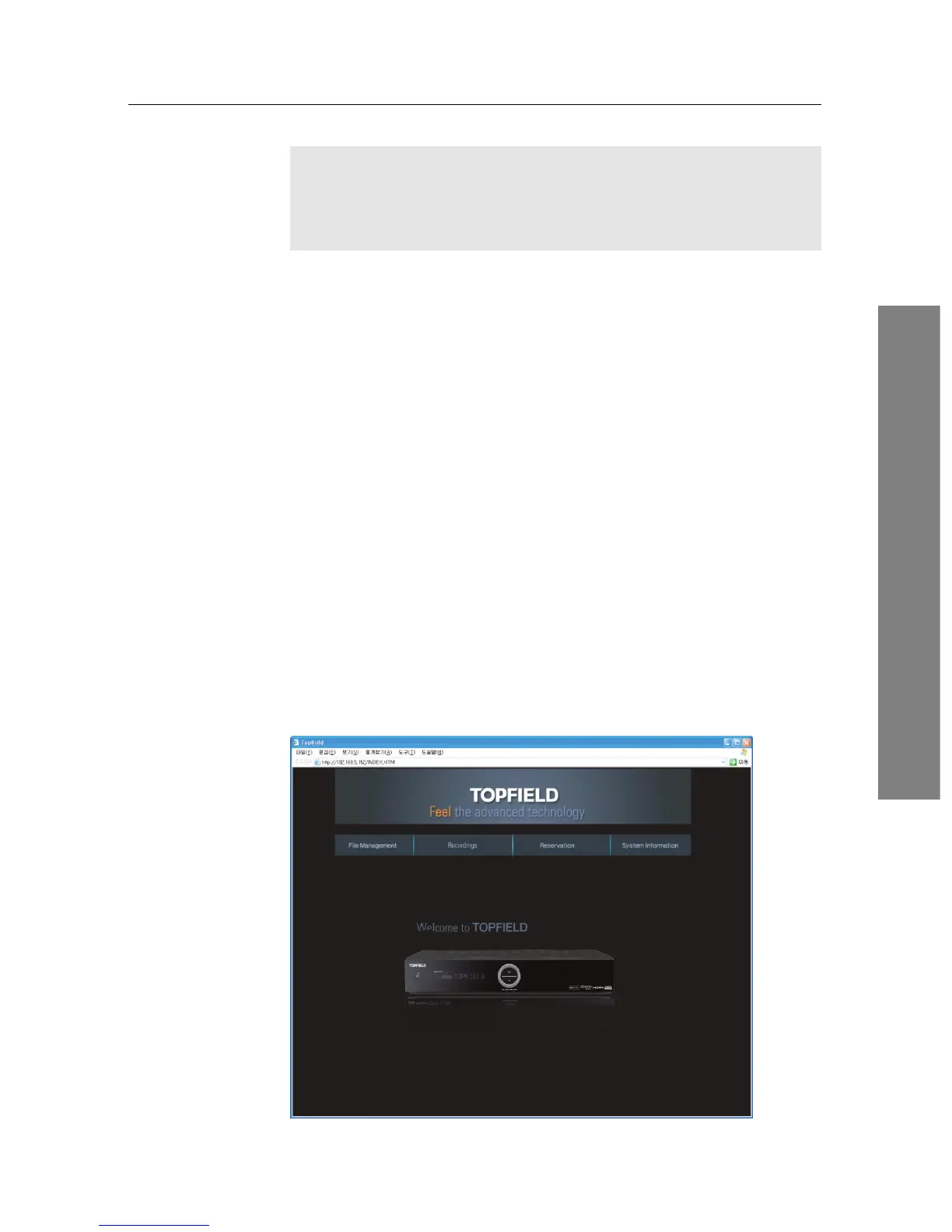
In way of the web server of the digital receiver, you can do the follow-
ing:
• Download recording files.
• Create new recording timers.
• View information about the programme currently being
recorded.
• View the system information of the digital receiver.
To access the digital receiver’s home page through your web browser,
enter its IP address, or domain name if you use a DDNS service. For
the DDNS service, refer to the user manual of your router.











 To Next Page