7 Recording and Playback
7.3 Playing back a recording 39
7.3.2 To play in slow motion
To watch in slow motion during a playback, press the button. If you
press it repeatedly, the playback speed changes in 4 steps: 1/2, 1/4,
1/8 and 1/16 times. To resume normal speed, press the button.
7.3.3 To play in fast motion
To watch in fast motion during a playback, press the button. If you
press it repeatedly, the playback speed changes. To resume normal
speed, press the button.
You can play not only forward but also backward in fast motion. To
play backward, press the button. If you press it repeatedly, the
playback speed changes. To resume normal speed, press the but-
ton.
You can change the playback speed in 4 steps (4x, 16x, 64x and 128x)
or in 7 steps (2x, 4x, 8x, 16x, 32x, 64x and 128x). See §4.5.
7.3.4 To make a bookmark
You can mark favourite parts of a record-
ing by creating bookmarks and then jump
to them in sequence. Bookmarks are stored
with the recording so that you can use
them again afterwards. To make book-
marks, take the following steps during
playback:
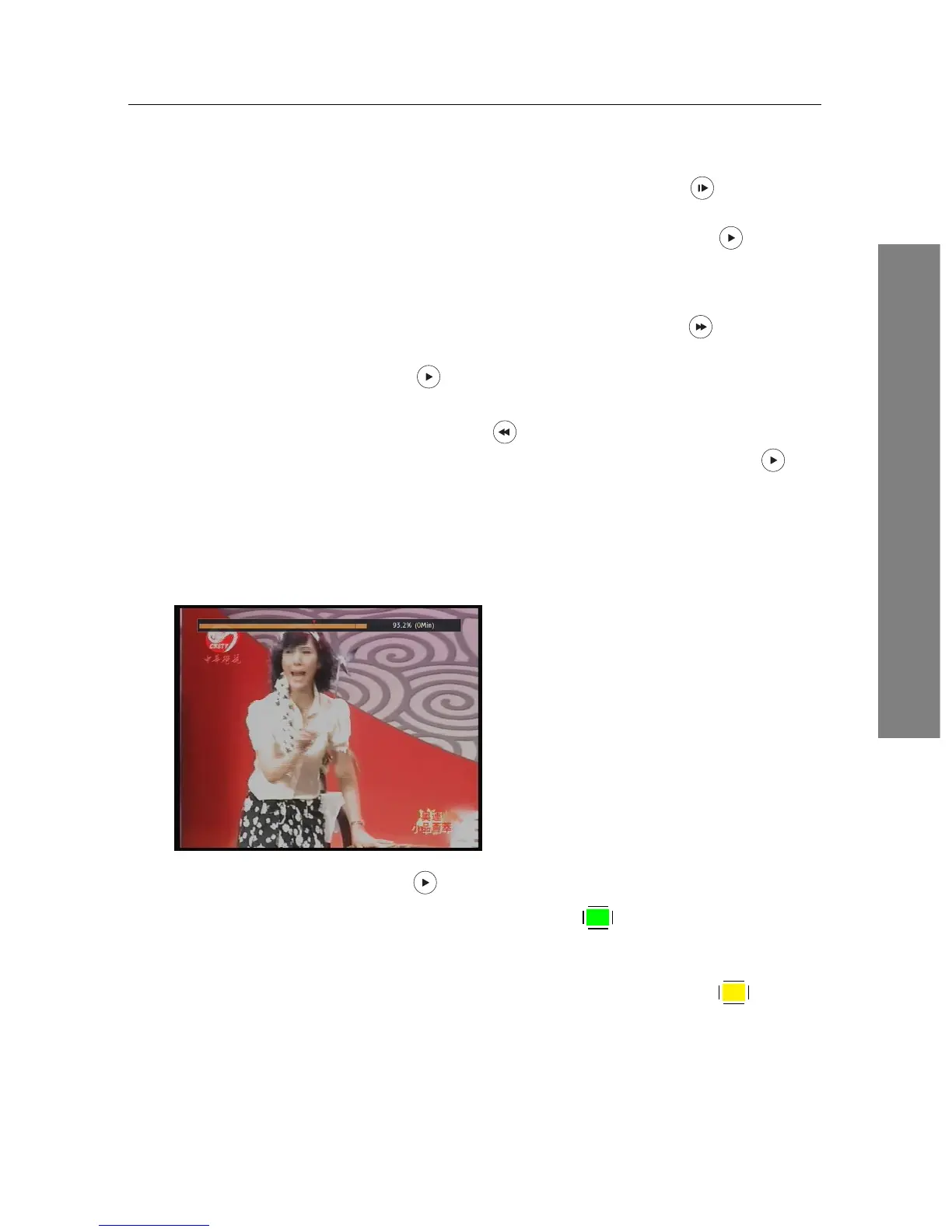
1. Press the button to display the progress bar.
2. To add a bookmark, press the
F2 button at a desired scene,
then you will see a small pointer appear above the progress bar
like in the picture above.
3. To jump forward to the next bookmark, press the
F3 button.











 To Next Page