40 Recording and Playback
7.4 Copying a recorded file
You can copy a recorded file by performing the following steps:
1. Start playback of a recorded file you want.
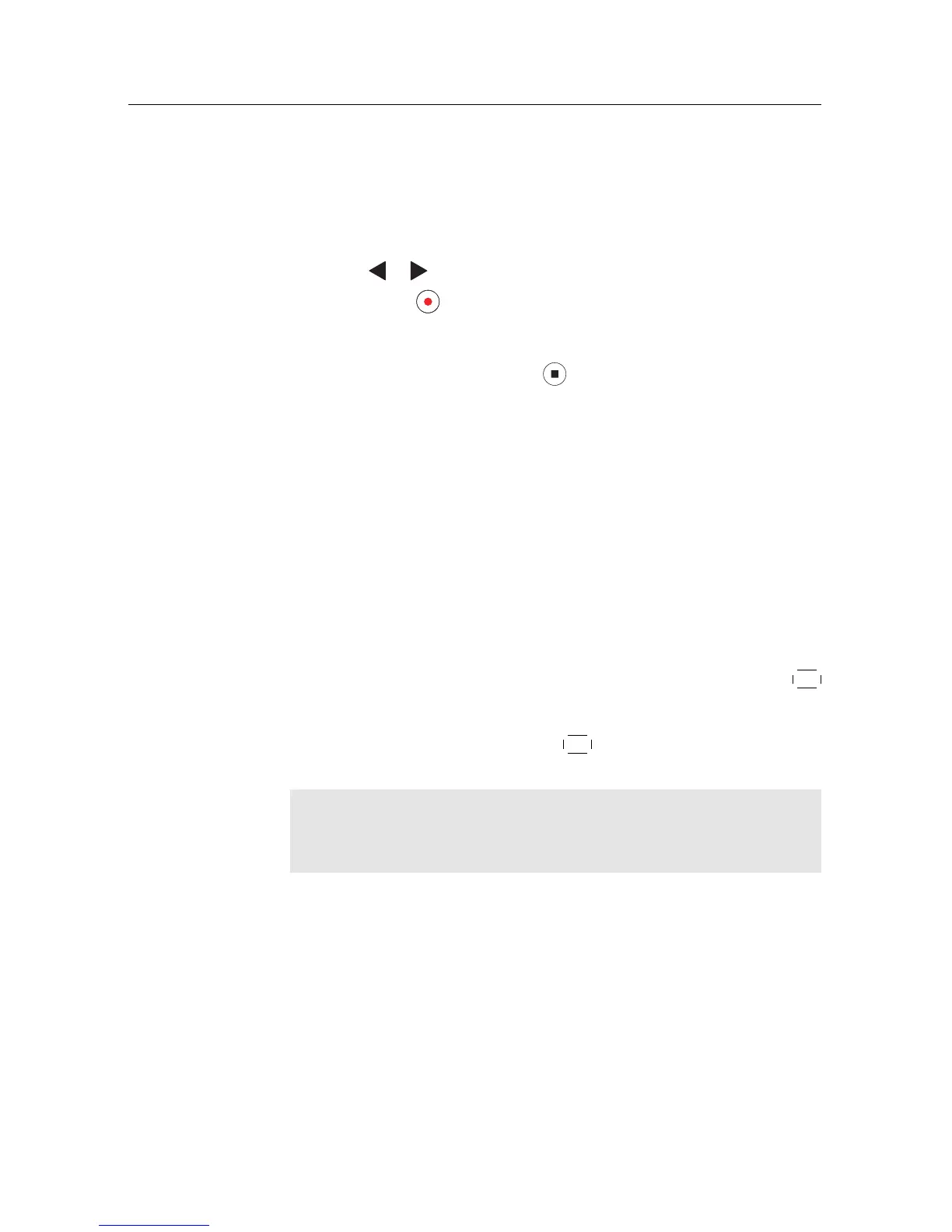
2. Move to the scene from where you want to start the copy using
the or button.
3. Press the button and it will be copied as a new file which
is named after the original recorded file with a suffix of ‘COPY’
and a number.
4. To stop copying, press the button.
vThe transcoded file name will start with [Transcode] and the original
file name.
7.5 Formatting the hard disk
If a new hard disk is installed, it must be formatted before using. Be-
cause the Topfield unit does not recognize unformatted hard disk.
You can delete all contents stored in the hard disk by formatting it.
Select the Installation > System Recovery > Format Hard Disk menu,
and then select the hard drive you want to format. To format the built-
in hard drive, select the option to Internal;
otherwise to format the external hard drive which is connected to the
digital receiver, select the option to External. With pressing the
OK
button, you get asked for confirmation. Formatting will start with the
choice of Yes. Select the Installation > System Recovery > Format
Hard Disk menu. With pressing the
OK button, you get asked for con-
firmation. Formatting will start with the choice of Yes.
NOTE
The hard drive on the digital receiver will be formatted in the XFS
file system.









 To Next Page