28 Organising Services
Chapter 6
Organising Services
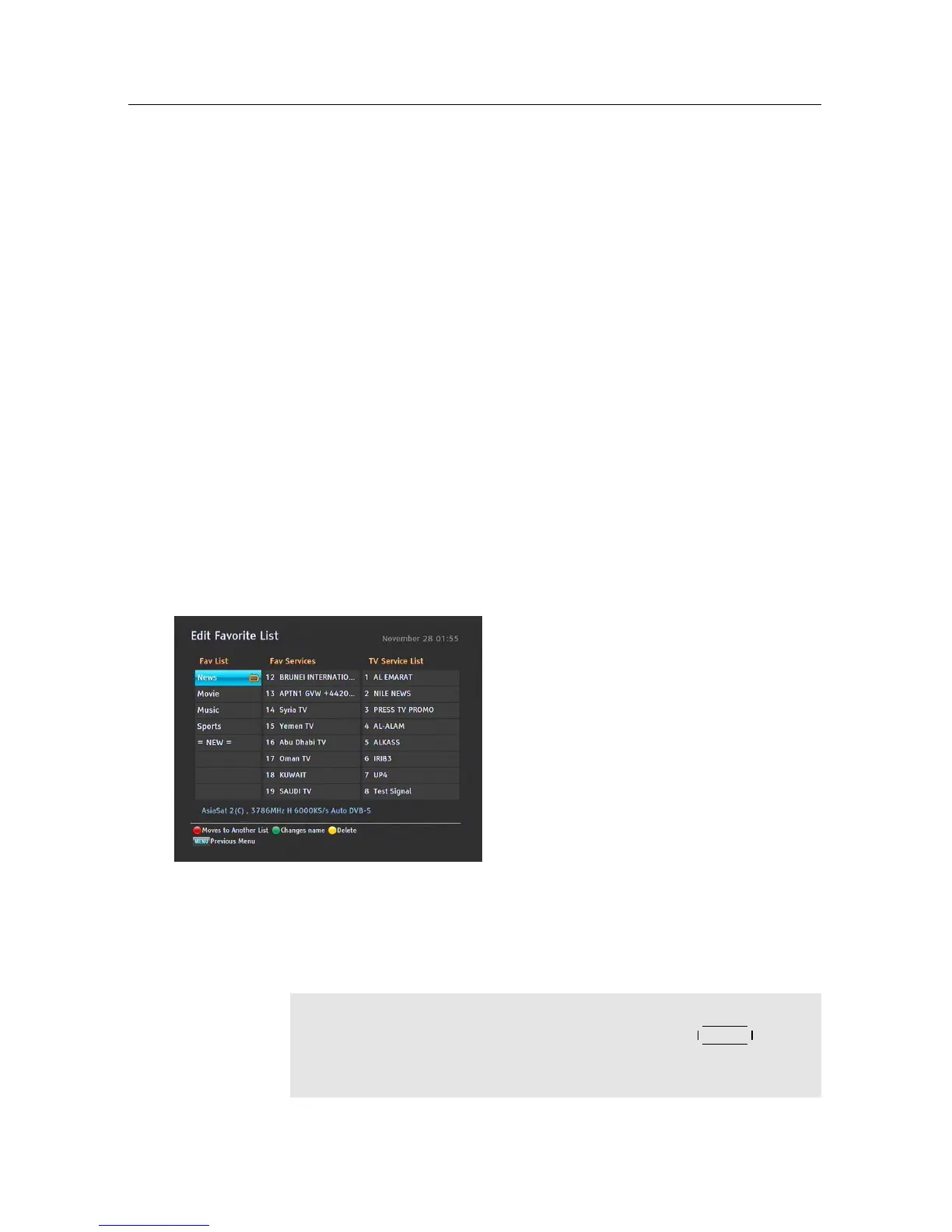
6.1 Editing the favourite lists
You can make your own favourite service lists. In fact, you can define
multiple favourite service lists, each being a ‘group’ of chosen services.
Select Installation > Edit Favorite List
menu. You should see a screen like the left
figure. There are three columns:
• Group name (left)
• Favourites list (centre)
• Services list (right)
The services list contains all available services, whereas the favourites
list contains only chosen services that have been added to the high-
lighted group. As you move the highlight bar up or down on the group
list, favourite services belonging to the highlighted group get shown
in the favourites list.
NOTE
To load guide, go to the specific channel, press the
GUIDE button,
then the guide will populate. Do this to every single channel upon
starting up PVR.











 To Next Page