7 Recording and Playback
7.1 Recording a programme 33
7.1.2 Timer recording
You can set a programme to be recorded at a specific time. Even if the
digital receiver is in standby mode, it will switch into active mode and
start recording at a specified time. When the recording comes to the
end, the digital receiver will switch back into standby mode again in
one minute. However, if you press any button on the remote control
or on the front panel even just one time, the digital receiver will not
switch into standby mode.
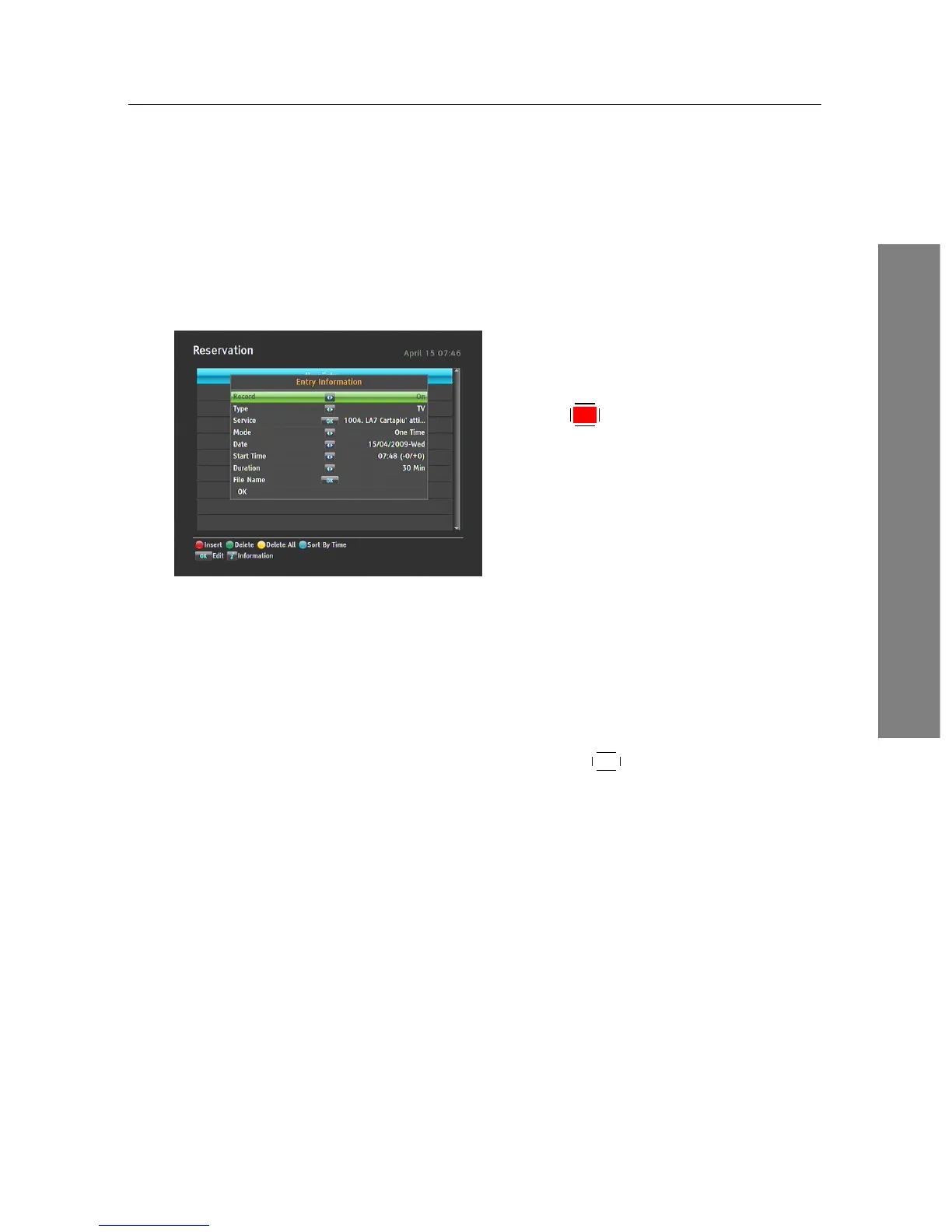
To add a timer recording, select the PVR >
Reservation menu, then the timer list will
be displayed. To add a new timer event,
press the
F1 button, and a box like the left
figure appears. Take the following steps:
1. Set the Record option to On to make a recording. If this op-
tion is set to Off, the digital receiver will turn on at the specified
time but not record; instead, you may record with your video
recorder or suchlike in this case.
2. You may have two sources for recording, TV and radio. Set the
Type option to your desired source.
3. Set the Service option to the service which provides the pro-
gramme you want. Pressing the
OK button on this option dis-
plays a services list, from which you can select your desired ser-
vice.
4. Set the Mode option as you desire. There are five timer modes:
One Time means literally ‘One time’.
Every Day means literally ‘Every day’.
Every Weekend means ‘Every Saturday and Sunday’.
Weekly means ‘One day every week’.
Every Weekday means ‘Every Monday to Friday’.
If your favourite programme is broadcast at weekends and you
wish to record every episode of the programme, set the Mode
option to Every Weekend.
5. Set the Date option to a desired date, on which the digital re-
ceiver will turn on. The date format is day/month/year-day of the
week.














 To Next Page