26 Every Day Use
5.4 Using time-shift
You can pause and resume a live television programme, and even
rewind and replay it. When you are watching a programme and you
miss something, you can rewind and replay it. Or when your attention
is needed elsewhere, you can pause a live TV and resume a short time
later without losing any of the programme.
When you do this, you are no longer
watching the live programme, in-
stead you are watching a delayed
presentation. This is called time-
shifted television. You can skip com-
mercials until you catch up to the live
broadcast.
In order to use the time-shift feature, set the Time Shifting option to
desired duration of time. Then the digital receiver will archive the
programme as much time as you set in the option. See §4.4.
The time-shift will be reset each time you change to another service.
With the time-shift, the following operations are possible:
• To go back in time, hold down the
F3 button; to go forward,
hold down the
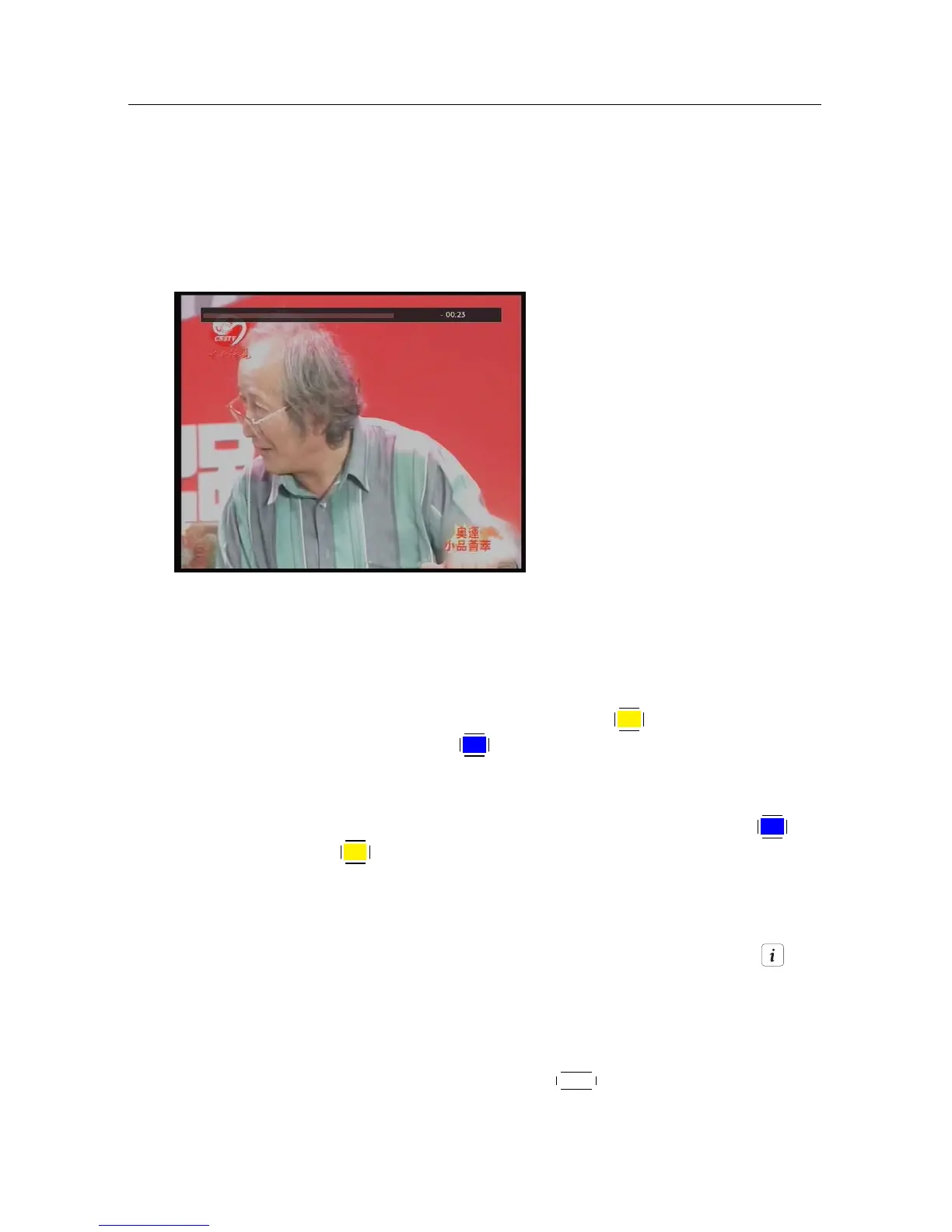
F4 button. The progress bar is displayed mo-
mentarily with a preview window.
• You can navigate using the progress bar, refer to §7.3.1.
• You can jump backward and forward by pressing the
F4 and
F3 buttons. You can change the jump time at the Jump Time
Interval option. See §4.5.
• You can change playback speed. See §7.3.2 for slow motion. For
fast motion, see §7.3.3.
• To check your current position in time-shift, press the but-
ton. The time difference compared to live programme is dis-
played momentarily in top right corner of the screen. A value
of −02:00 means two minutes behind the live programme.
• To make a recording of the time-shifted programme„ see §7.1.4.
• To end time-shift, press the
EXIT button. The live programme
will be displayed.











 To Next Page