19
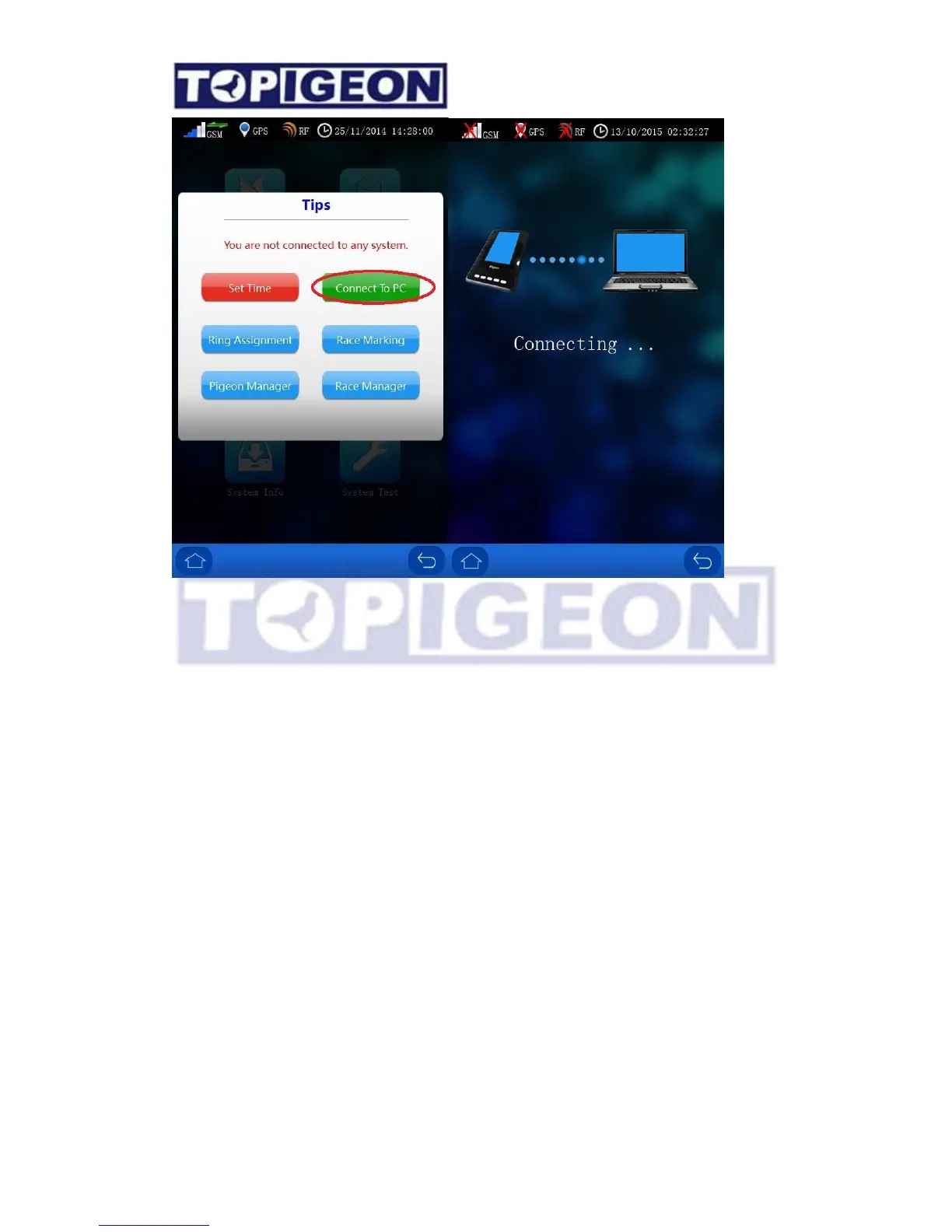
There are three situations that you need to use this features,
1. Fancier purchase new iPigeon timer.
2. Fancier’s iPigeon timer transfer to another fancier.
3. Fanciers change their member information, such as phone number, address or new loft
location.
The situation one and two need to initialize iPigeon timer and situation three do not need to
initialize the timer. A simple thumb of rules, only the timer change the loft number or new
assign the loft number need to initialize the timer.
Right click over the member’s row and select the “Loft Data Download”



 To Next Page