20
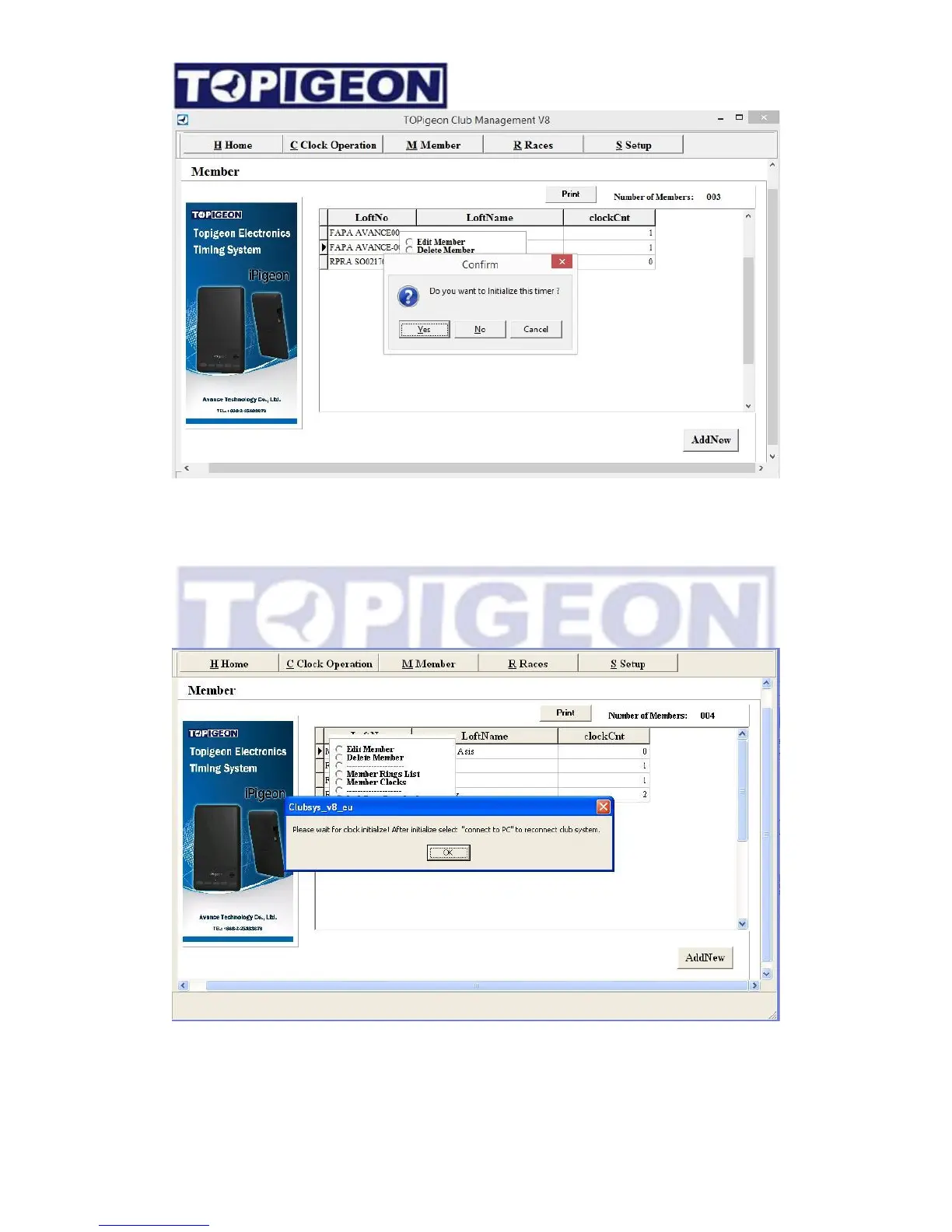
A confirmation window will pop up “Do you want to initialize this timer?” The difference
of this confirmation window will be,
1. “YES”: This will initialize the member’s clock by clean up all loft data, including the
pigeon information, and load the new loft data to the clock as for situation one and two.
2. “NO”: This will keep all existing data and update the new loft information to the timer.
This feature is for the situation three.



 To Next Page