Shenzhen Topwisdom Technology Co., Ltd
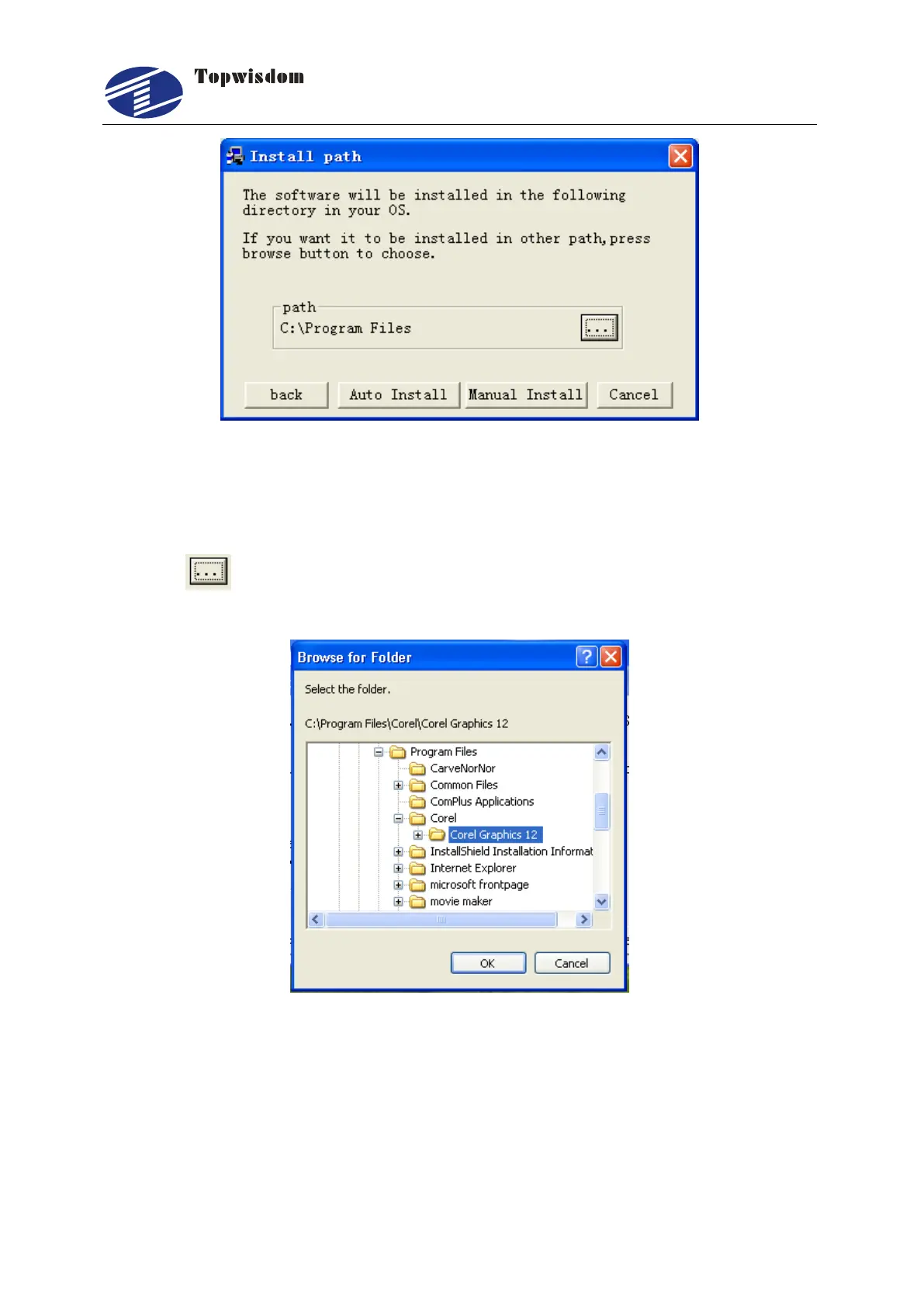
Fig. 3-3
3.1.1 Manual Install
Click the button to find the CorelDRAW install path, as shown in Fig.3-4, select
the Corel Graphics 12 folder as below.
Fig. 3-4
When the installed path is found, click the Confirm to go back to the screen shown in
Fig.3-3. Then click the ―Manual install‖ to install. When installation is finished, the
screen shown in Fig. 3-5 is displayed. Click ―OK‖ to finish.



 To Next Page