Shenzhen Topwisdom Technology Co., Ltd
Layer Param:When one file is selected, press button,to choose the layer
number.
Power Min: When stroking curves, this power intensity applied for line start and the
corner of the curve .Or it applied for the top depth when gradient carving. The range
is 0.00~100.00%.
Power Max: When stroking curves, this power intensity is applied as the work
speed was reached. Or it applied for the bottom depth when gradient carving. The
range is 0.00~100.00%.
Power Min1 is the min light power of LASER-1. Power Min1 is the max light power of
LASER-1.It is the same as Power Min2 and Power Max2 of LASER-2. When no file is
selected, the power value is the system default power value. When pulsing, the Power
Max will be used.
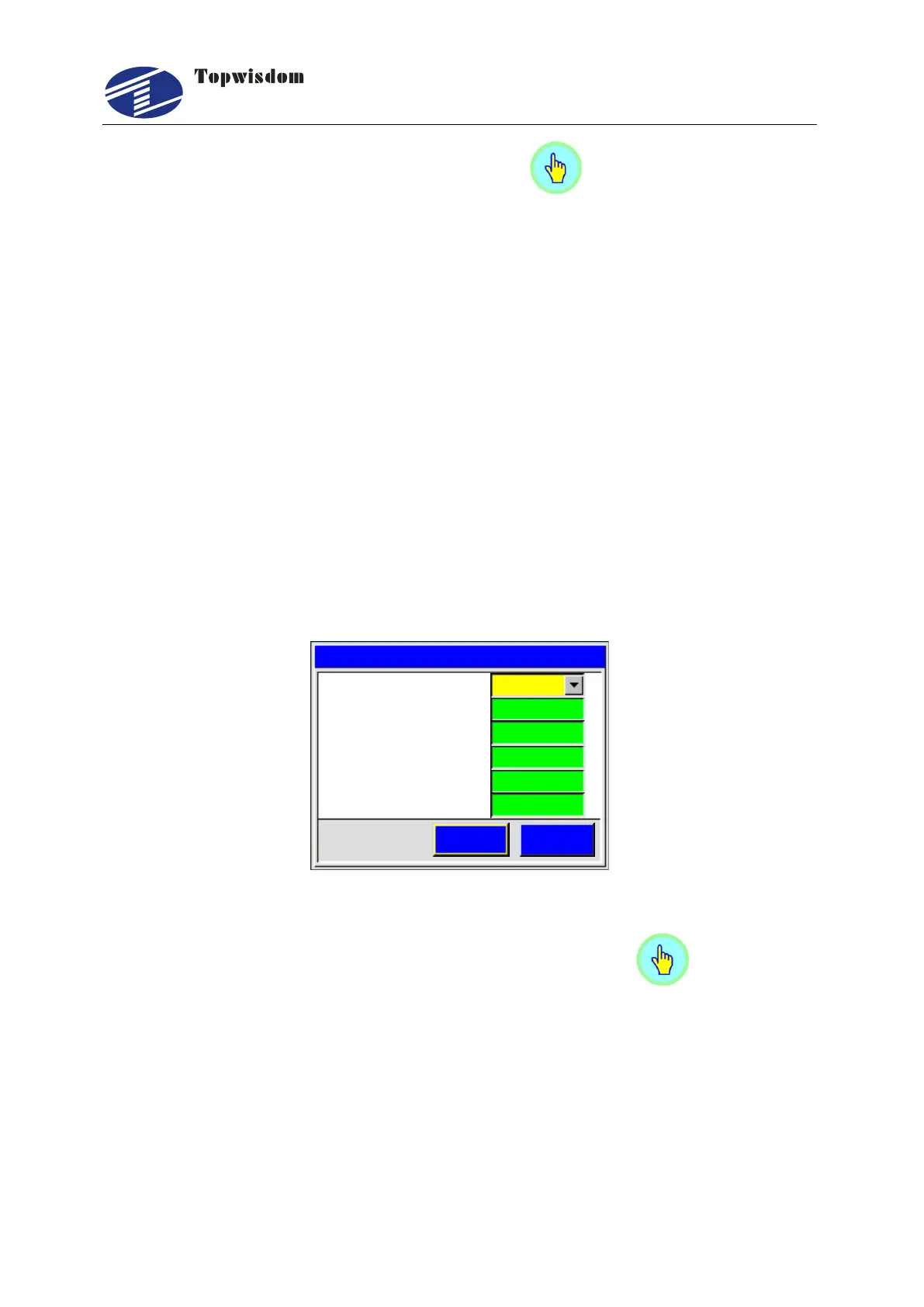
5.2.5 Range Preview Interface
After initialization, press ―Range‖ key, show as:
CancelOK
Range
200
2 R u n S p e e d m m s. ( / )
1 I f L a s e r On. NO
5. ( % )P o w e r M i n 2
5
304. ( % )P o w e r M a x 1
6. ( % )P o w e r M a x 2
30
3 P o w e r M i n 1. ( % )
5
Fig. 5-6
If Laser On: Set run scale with or without laser on. Press key to set the
value.
Run Speed (mm/s): The speed of running scale, unit is mm/s.
Power:When cutting the scale, it uses the system default power which is shown
here. The min power intensity applied for line start and the corner of the curve. The
max power intensity is applied as the run speed was reached. Power Min1 is the
min light power of LASER-1. Power Min1 is the max light power of LASER-1.It is
the same as Power Min2 and Power Max2 of LASER-2.



 To Next Page