Shenzhen Topwisdom Technology Co., Ltd
Laser On/Off Delay: Turn this ON for take the Laser On/Off Delay effect.
Back Speed (mm/s): The homing speed.
Pulse Time (ms): The time of laser is on when ―Pulse‖ is press.
Feeding Delay (ms): The delay time after feeding.
Door Polarity: Change the parameter while the Cover Protect switch working in
wrong way.
Min Acc(mm/s2): The min acceleration for start moving or stop moving. The less
this value, the smoother the movement, the longer the working time. Normally, it is
set to400mm/s2, if a shorter work time is demanded, set the value no less than
850 mm/s2 (According to the actual machine to set this value).
X Backlash(mm): For compensation of X axis backlash. Generally, 0.15 mm is
recommended.
Y Backlash(mm): For compensation of Y axis backlash. Generally, 0.15 mm is
recommended.
Water Protect: Enable or disable detecting the status of laser water cooling valve.
―Open‖ means detect, ―Close‖ means NOT detect.
Process Times Alarm: When it is open. Set the work times. Then when the finish
times reaches to the setting number. It will beep 5 times for alarm.
Process Times Homing: When it is open. Set the work times. Then when the
finish times reaches to the setting number. It will homing to the machine origin
automatically.
5.5 System Information
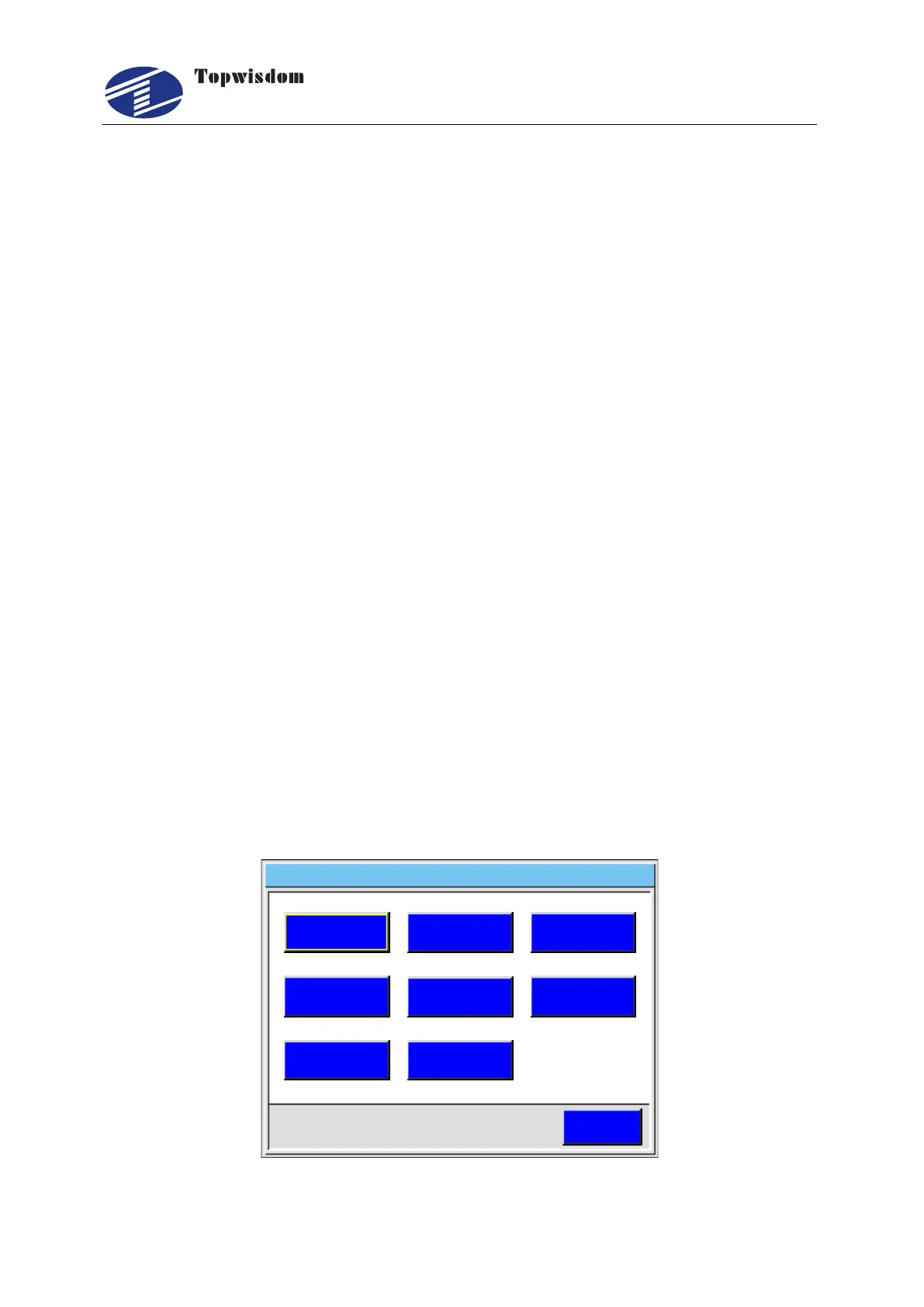
Press ―Menu‖ button into Main Menu, then select Sys. Info, press ―Enter‖ key to enter
system set interface.
ESC
Sys Update. Language Sys Version.
Stat Info. . Time Set Password
PWD Prev . Equip No .
System Set 2 0 1 4 0 3 1 0 1 1 0 0- - :
Fig. 5-28



 To Next Page