Shenzhen Topwisdom Technology Co., Ltd
PWD Prev.: Manage password is required. After enable machine lock function,
select ―PWD Prev.‖ item to preview the passwords to unlock the machine.
Equip No.: Manage password is required. Press ―Number‖ key to set the
equipment number for convenient management. If the machine is locked (The
locked date was reached), the equipment number will be display. You should find
the right unlock password to unlock the machine according to the equipment
number.
5.5.1 The Password Setting
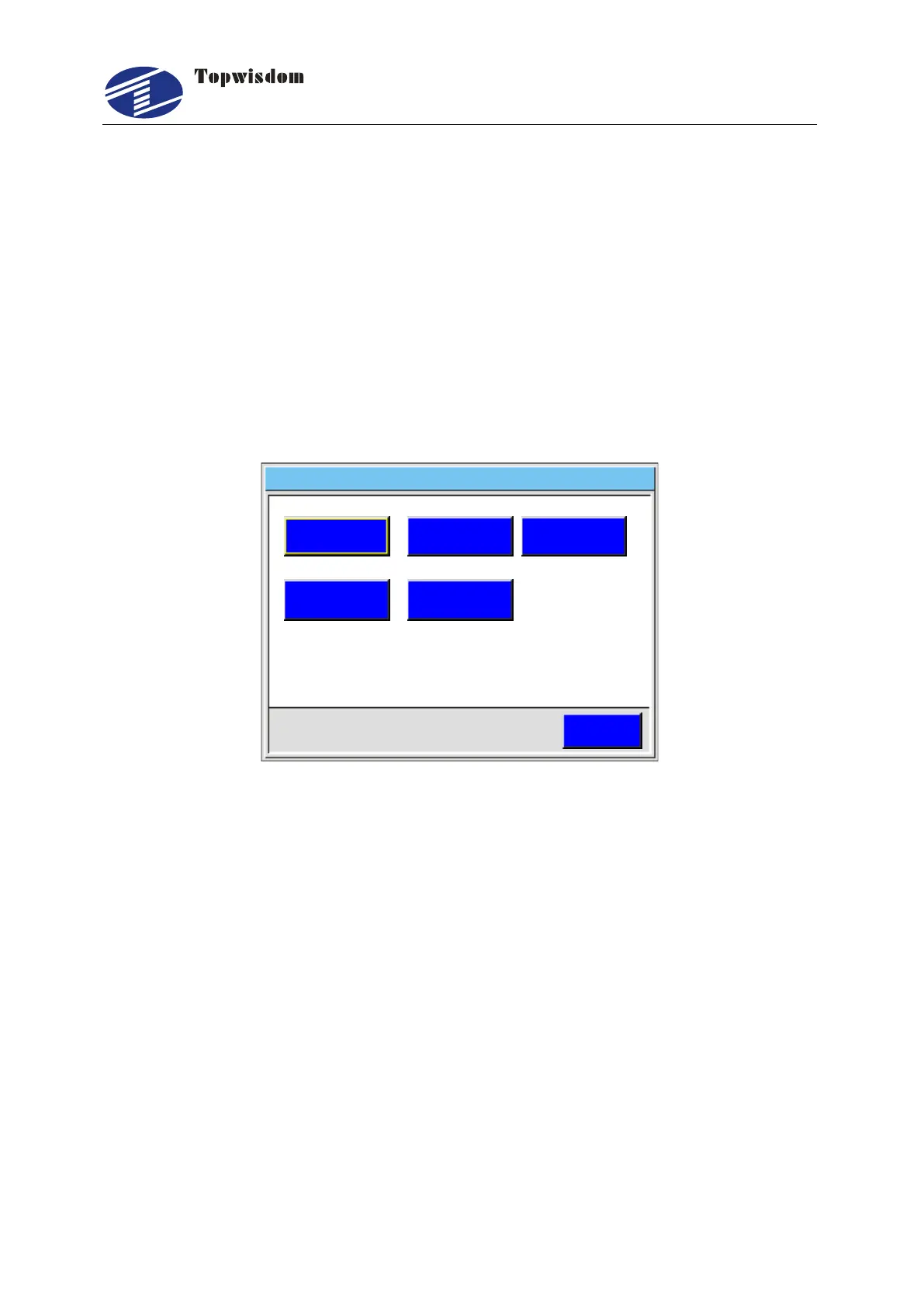
Choose "Password" to enter machine lock setting, show as:
Password 2014 03 10 11 00- - :
ESC
PWD Manage
PWD Status PWD Times
Lock Date
Export PWD
Fig. 5-30
Press the ―Up, Down, Left, Right‖ key to select the needed operation.
PWD Manage: To modify the manage password.
PWD Status: When it starts, the staging password is working.
PWD Times: Set the password phases, a phase a month.
Lock Date: The phase password is from the lock the date, the day range is 1-28.
Export PWD: Insert a U-Disk to the controller; Click the ―Export PWD‖ button to
save the password to the U-Disk. The file name is the equipment number.
The lock Date must be set according to the system time.



 To Next Page