Shenzhen Topwisdom Technology Co., Ltd
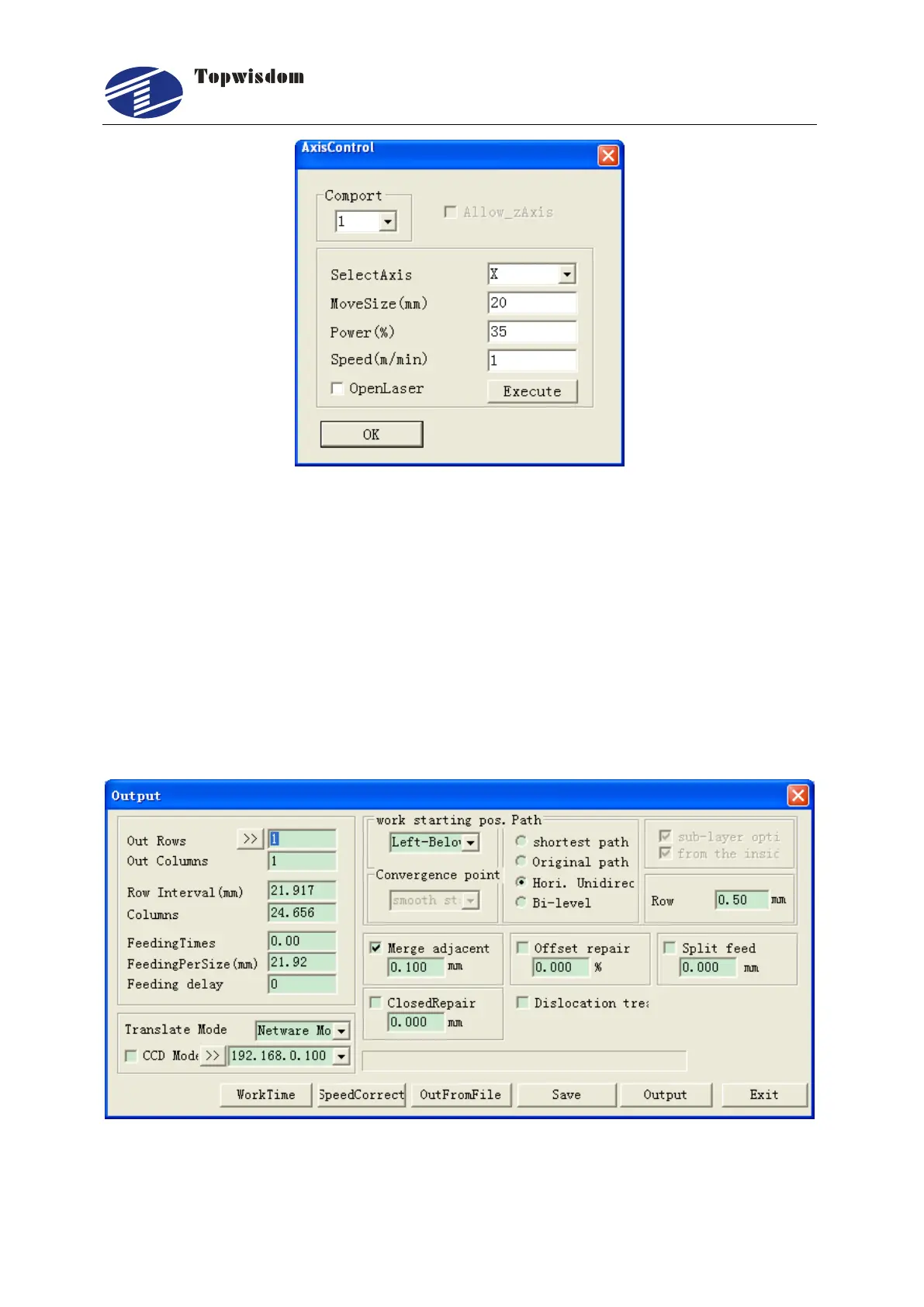
Fig. 4-10
Firstly select the com port which is the USB port described in section 3.6. Then select
the axis you want to move. Set the move distance in MoveSize edit box and the move
speed in Speed edit box. If you need the laser on, set the laser power in Power edit
box and select the OpenLaser check box. Click Execute button to move. If you want
the axis move to the reverse direction, set a negative value in the MoveSize edit box.
4.1.5 Output Engrave
After the parameter settings, click on ―output‖ to enter Fig. 4-11
Fig. 4-11



 To Next Page