Shenzhen Topwisdom Technology Co., Ltd
1
0
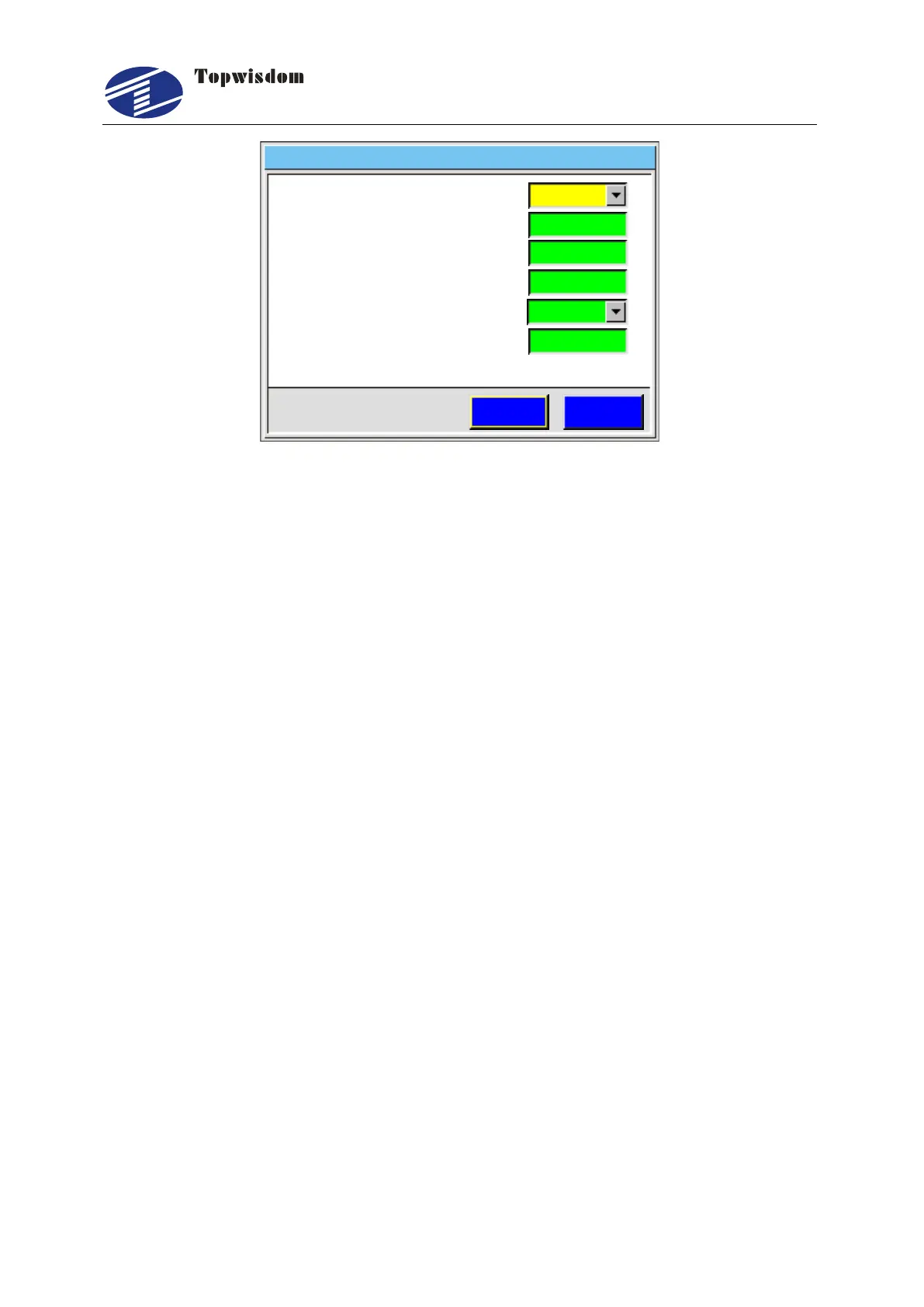
Laser Set
2. P W M F r e q u e n c y ( H Z )
1. L a s e r T y p e
3. L a s e r M i n ( % )
4 ax. L a s e r M ( % )
5. P W M D I R
6.Focus Length(mm)
ESCSave
100
20000
2014 03 10 11 00- - :
CO2
Positive
Fig. 5-15
Press the ―Up/Down‖ key to select the needed operation. Press the ―Choose‖ key to
change setting, ―Number‖ keys to set the value.
Laser Type: The common laser (CO2 glass tube), RF, and the RF (Tickle). RF is
for RF laser without pre-ignition. RF (Tickle) is for RF laser with pre-ignition that will
output 1us tickle pulse.
PWM Frequency (HZ): Press the ―Number‖ keys to change the PWM.
Laser Min/Max (%): Range: 0≦the min duty ratio ≦the max duty ratio ≦100.
PWM DIR: Press ―Choose‖ to change the PWM DIR. If you found when you set
power bigger, the intensity of laser beam is stronger. Then you should change the
PWM DIR.
Focus Length (mm): Press the ―Number‖ keys to change the focus length. When
this parameter is set. Press ―.‖ Dot key in standby interface, a message box will be
shown that if reset focus length. If press ―Enter‖, the laser head will go down
controlled by U Axis. When sensors close to the material surface, reach the
designated position, a signal is given to controller, then it controls the laser head
move up to the focus position.
Attention: if laser type is RF or RF(Tickle), set the PWM Frequency to 5000, Laser
Max to 95%, not to 100%, otherwise the laser would always be on or off.
5.4.2 Equipment Set
In the Integrate interface choose ―Equipment‖ to enter, show as:



 To Next Page