Shenzhen Topwisdom Technology Co., Ltd
shorter the work time, and the stronger jitter of motion.
Jerk (mm/s3): The acceleration of the acceleration change from the minimum
acceleration to upgrade to the maximum acceleration—Or the changed from the
maximum acceleration reduce to minimum acceleration during slowdown..The
smaller the jerk, the weaker the jitter of motion, the slower of acceleration and
deceleration. Otherwise, the jitter is stronger, the accelerating and decelerating is
the faster.
Max Range (mm): Maximum distance for axis can move.
Direction Polarity: Classified into positive and negative, when the motion direction
of the motor disaccords with the direction control buttons on the keyboard, you can
change the direction polarity to make them consistent with each other.
Limit Polarity: Classified into positive and negative, when the motor cannot return
to the original position, you can change the limit polarity to make it normal.
Key Polarity: The buttons on the control panel correspond to directions of the
motion of the axes, if it moves to the right when you press the left, change the
polarity.
Limit Protection: Enable or disable detecting the axis limit switch. When it is
opened and the limit switch is on, it will stop the motion.
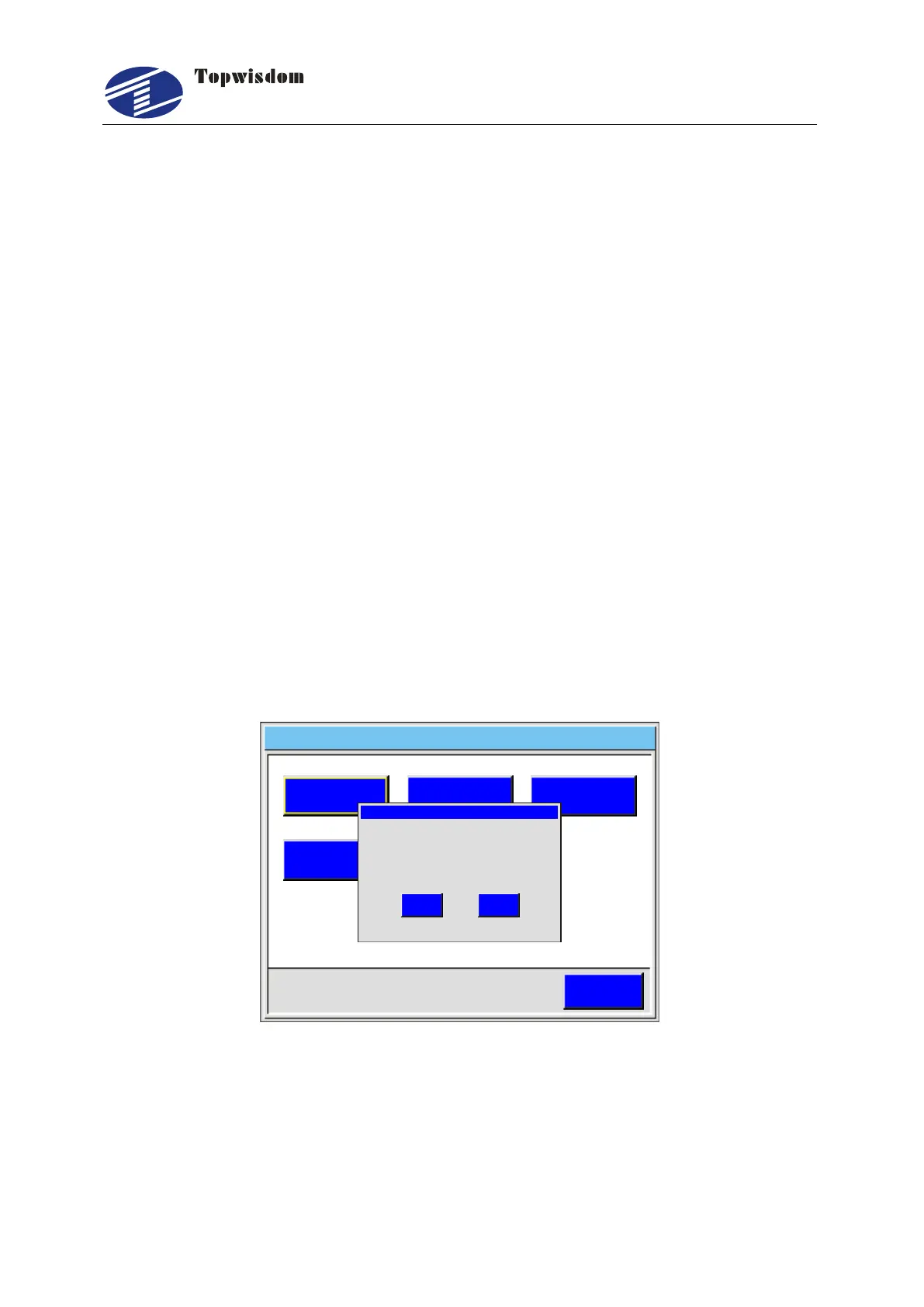
Reverse the polarity of the pulse: In the Axis Set, press ―12344321‖ to display
the setting window of the polarity of the pulse. Press ―Enter‖ to reverse. Otherwise,
press ―ESC‖.
Axis Set 2 0 1 4 0 3 1 0 1 1 0 0- - :
ESC
X Axis
Y A x i s Z A x i s
U A x i s V A x i s
Message
OK
Cancel
Pulse Dir
Fig. 5-21
5.4.4 Back Set
In the Integrate Setting interface, choose ―Back Set‖ to enter, show as:



 To Next Page