Shenzhen Topwisdom Technology Co., Ltd
ESCOK
M a n u a l B a c k
3U. Back
1 X B a c k.
2 Y B a c k.
Fig. 5-24
5.4.5 User Set
In the ―Integrate‖ setting interface, select the ―User Set‖ item with ―Up/Down‖ key.
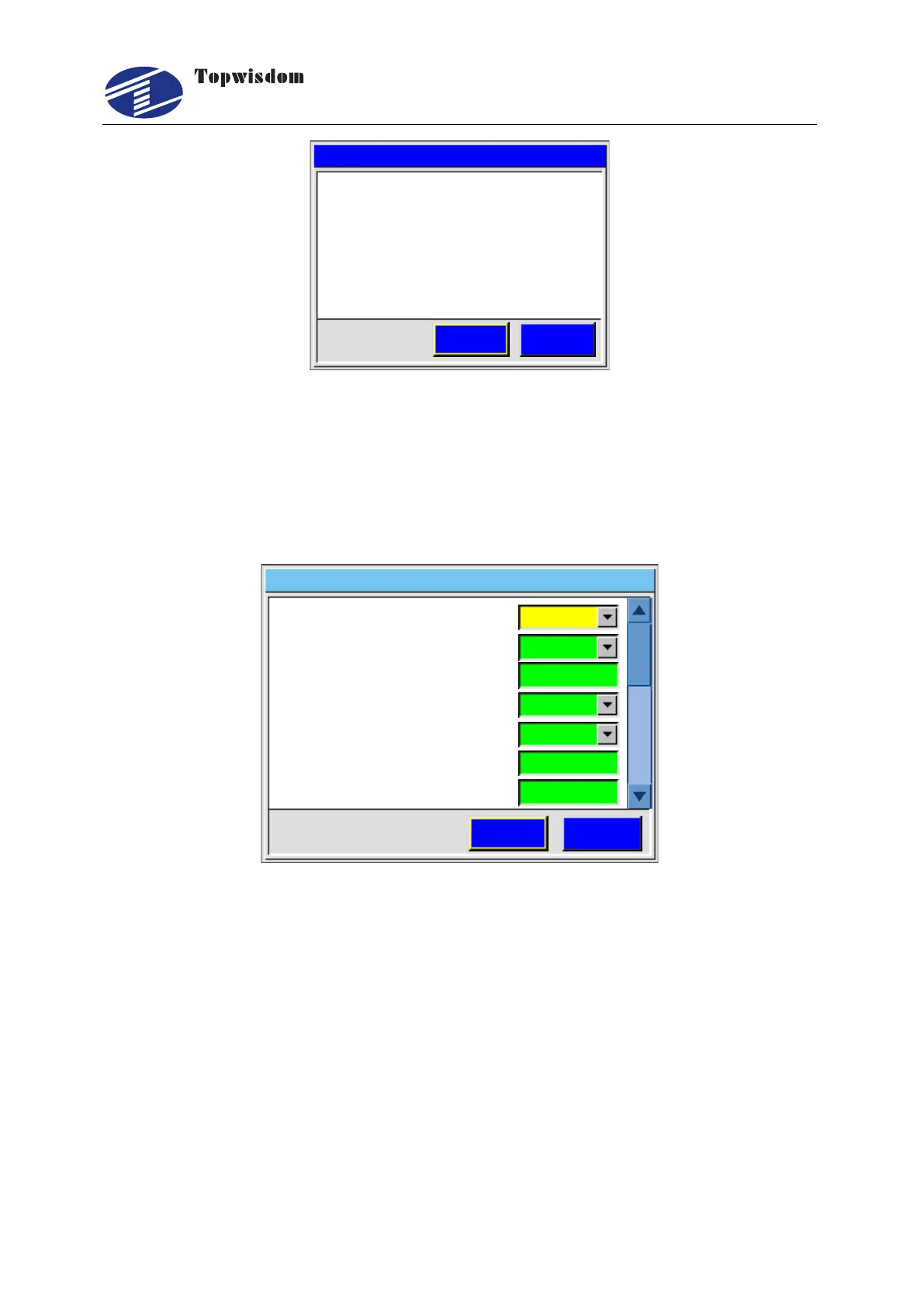
Press ―Enter‖ key to go into User Set Interface as show below.
Close
15.
0
0
User Set
2 K e y M o v e C o n t i n u e.
1 C o v e r P r o t e c t.
3 K e y M o v e D i s t m m. .( )
4 R e t u r n P o i n t.
5 L a s e r O n O f f D e l a y. /
6 B a c k S p e e d m m s. ( / )
7 P u l s e T i m e m s. ( )
ESCSave
Open
None
Open
2 0 1 4 0 3 1 0 1 1 0 0- - :
Fig. 5-25



 To Next Page