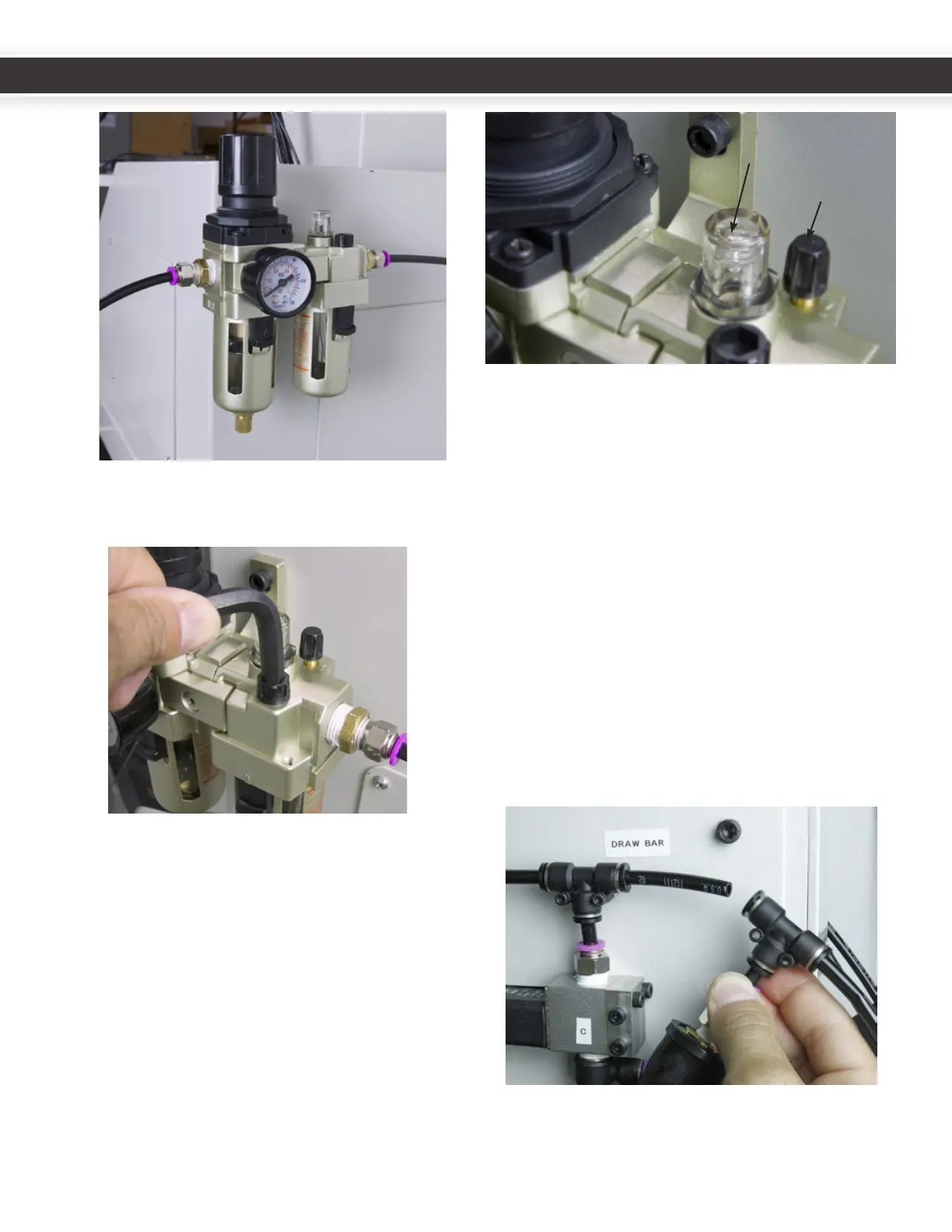
6. OpentheFRLllportwithahexkey.
7. Filltheportwithstandardairtooloil(usingasmall
funnelifnecessary).
FRL system.
Adropletoflubricantwillformontheboomofthestem
locatedinsideofthesightglass.
1. Openthelubeadjustmentknob1/2turn(towards
the+).
2. Flushallairbubblesfromthesystem.
3. Whenairbubblesnolongerappearinthesight
windowandadropletoflubridantformsonthe
boomofthestem,closethelubeadjustmentknob
1/4turn(sothatitisopenapproximately1/4turn
fromtheclosedposion).
7.3 Pressure Sensor
PressureSensor(PN32329)preventsthecarouselfrom
actuangduringlowairsupplypressurecondion.
1. SpliceairlineDandinsertthePressureSensoras
shown.
2. Plugthemaleendoftheelectricalconnectorintothe
jackonthecolumncoverplate.
AdjustmentKnob
SightWindow
20
21
UM10081_TTS_ATC_PCNC1100_1013A UM10081_TTS_ATC_PCNC1100_1013A



 To Next Page