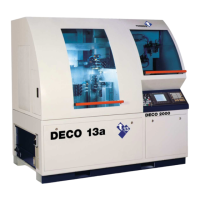
QUICK REFERENCE − DECO 13A
en 300417 − 04/08 41
3.3 DOWNLOAD A PROGRAM WITH MEMORY CARD
Preparatory steps on the PC
Actions Comments
1. Open program DNC−DECO V5
2. Click menu PORT/FLASH
3. Click menu SETUP
4. Check off ON FILE
5. Click CHANGE
6. Select drive
7. Click OK
Preparatory steps on the machine
1. Press RESET
2. Set Mode Selector on MDI
3. Press once / twice OFFSET
SETTING to open the
OFFSET page.
4. Move cursor to: I/O CHANNEL
5. Enter (MEMORY CARD): 4
6. Press INPUT


 To Next Page