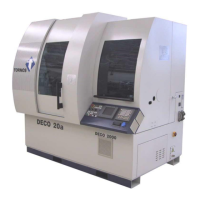
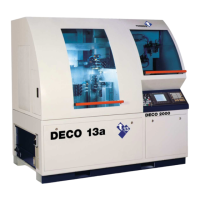
QUICK REFERENCE − DECO 13A
en 300417 − 04/08 50
5. MISCELLANEOUS
5.1 BASIC STEPS ON WINDOWS
Ctrl + click Adds a file to a highlighted item.
Shift + click Highlights.
5.2 COPY ON SAME DISK
Highlight, drag & drop: to move files.
Highlight, drag + Ctrl & drop: to copy files.
5.3 COPY ONTO ANOTHER DISK
Highlight, drag & drop: to copy files.
Highlight, drag + Ctrl & drop: to move files.
5.4 CYCLE THROUGH WINDOWS, ETC.
Ctrl + Tab Cycles through active TB−DECO windows.
Alt + Tab Cycles through interacitve applications.
5.5 COPY / PASTE
Ctrl + C Copies a highlighted item.
Closes active application.
Opens target application.
Ctrl + V Pastes the highlighted item in the insertion point.


 To Next Page