INSTALLATION – MULTIDECO 26/6 – MULTIDECO 32/6i
300381 en – 06/02 Chap. 3.4.5 /18
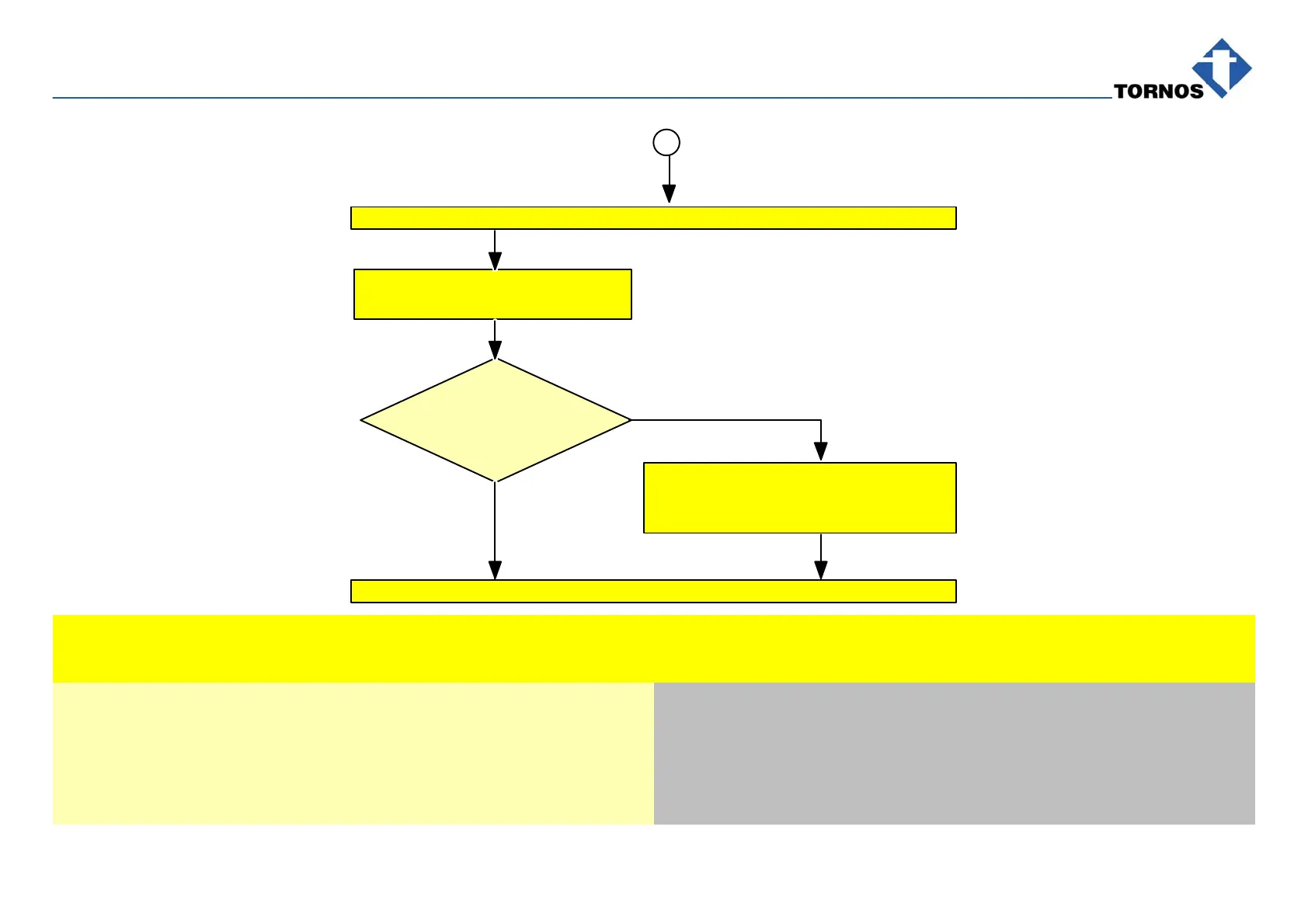
Check XS18 service socket
voltage, see Fig. 306
220V–240V
or XS17 US–socket
voltage 100V–110V
no
Switch on main machine switch QS0, see Fig. 306
The machine is correctly installed
– Turn off main switch QS0
– Adjust voltage at TC1 transformer,
See Fig. 308
1
yes
3.4.5 Connection of various machine peripherals
∆ Danger!Trip and lock main circuit breaker QS0 by setting it to 0, see safety regulations.
Action Notes
Connect the barfeeder to socket XS94 (see Fig. 307).
Connect the chip conveyor to socket XS38 (see Fig. 307)
Connect coolant motor to socket XS2 (see Fig. 307)
⇒ Note:
See also instructions: “SPECIFICATIONS FOR INSTALLATION OF A
BARFEEDER” and “SPECIFICATIONS FOR INSTALLATION OF A CHIP
Connect the chip conveyor to socket XS78 (see Fig. 307).
CONVEYOR INSTALLATION”.



 To Next Page