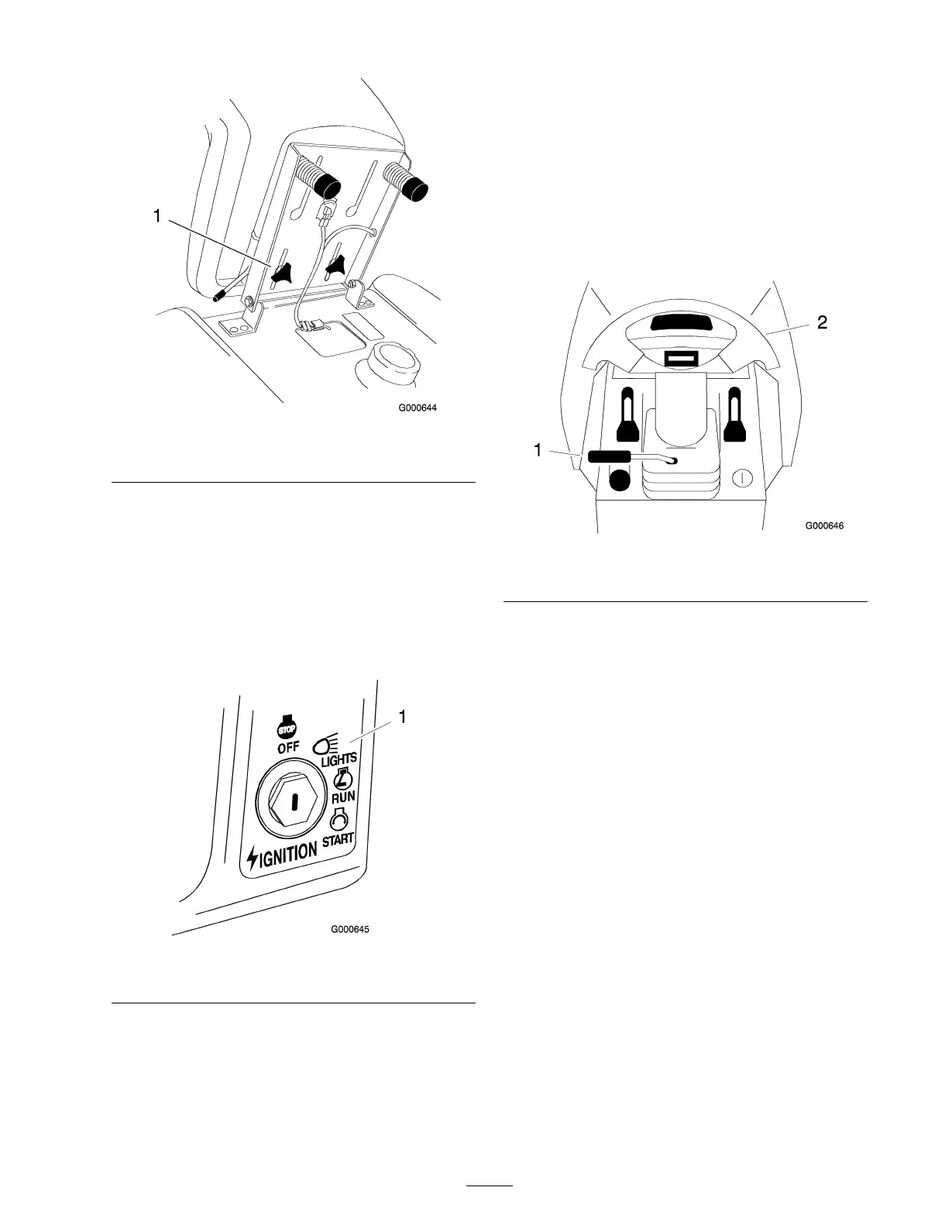
Figure 24
1. Adjustment knob
Using the Headlights
T he headlights are tur ned on with a se parate position,
lights , of the ignition switc h ( Figure 25 ). T he lights are
on while the ignition switc h is in the lights position
ev en with the engine off . R emo v e the k ey when the
mac hine is left unattended so lights can not be tur ned
or disc harging the batter y .
Figure 25
1. Lights
Positioning the Tilt Steering
Wheel
T he steering wheel has four tilt locations . P osition the
steering wheel where y ou ha v e the best control of the
mac hine and are most comfor table .
1. Lift the tilt lev er to release the loc k ( Figure 26 ).
2. Mo v e the steering wheel to a comfor table position;
then release the lev er to loc k.
Figure 26
1. Tilt lever 2. Steering wheel
Pushing the Machine by
Hand
Important: Al w ays push the machine by hand.
Nev er to w the machine because transaxle dama ge
may occur .
To Push the Machine
1. Diseng ag e the po w er tak e off (PTO) and tur n the
ignition k ey to off .
2. Mo v e the dri v e control rod to the push position.
T his diseng ag es the dri v e system and allo ws the
wheels to tur n freely ( Figure 27 ).
To Operate the Machine
Mo v e the dri v e control rod to the operate position
( Figure 27 ).
Note: T he mac hine will not dri v e unless the dri v e
control rod is in the operate position.
25


 To Next Page