2. PRINTER SETUP ENGLISH VERSION EO1-33099
2.3 Turning the Printer ON/OFF
E2-3
2.3.2 Turning OFF the
Printer
1. Before turning off the printer power switch, verify that: LED 1 is
illuminated in green (not flashing) and LED 2 is extinguished.
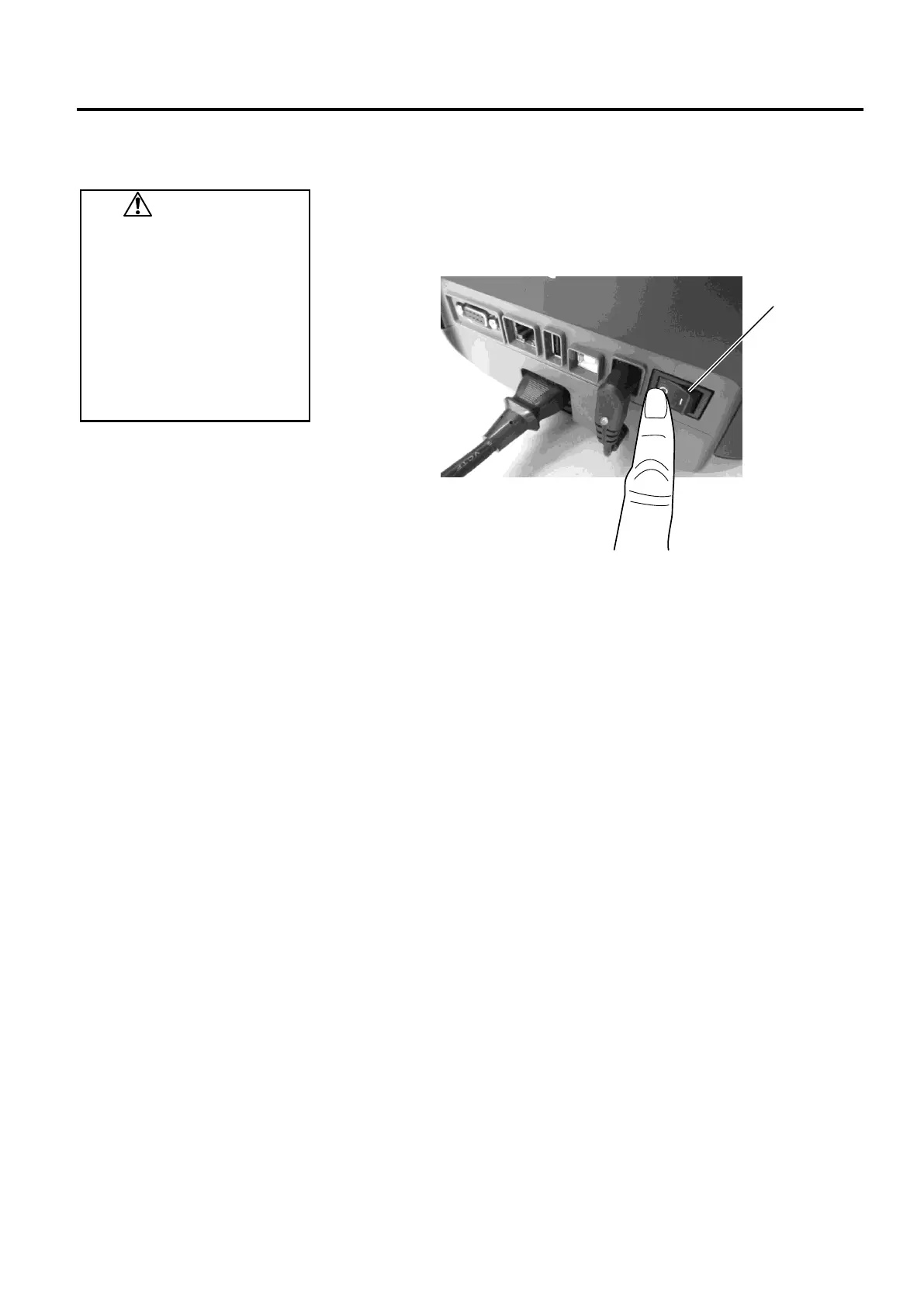
2. To turn OFF the printer power, press the power switch as shown in the
diagram below. Note that ( ) is the power OFF side of the switch.
CAUTION!
1. Do not turn off the printer
power while the printer is
printing as this may cause a
paper jam or damage to the
printer.
2. Do not turn off the printer
power while LED 1 is
flashing as this may lead to
loss or corruption of the data
being downloaded.
Power Switch
Power Switch
Power Switch
Power Switch



 To Next Page
 Loading...









