E6581697
F-7
6
6.3 Terminal function selection
6.3.1 Keeping an input terminal function always active (ON)
f104 : Always active function selection 1
f108 : Always active function selection 2
f110 : Always active function selection 3
Function
This parameter specifies an input terminal function that is always to be kept active (ON).
[Parameter setting]
Title Function Adjustment range Default setting
f104 Always active function selection 1 0-153 (Refer to section 11.6.) 0 (No function)
f108
Always active function selection 2 0-153 (Refer to section 11.6.) 0 (No function)
f110
Always active function selection 3 0-153 (Refer to section 11.6.) 6 (ST)
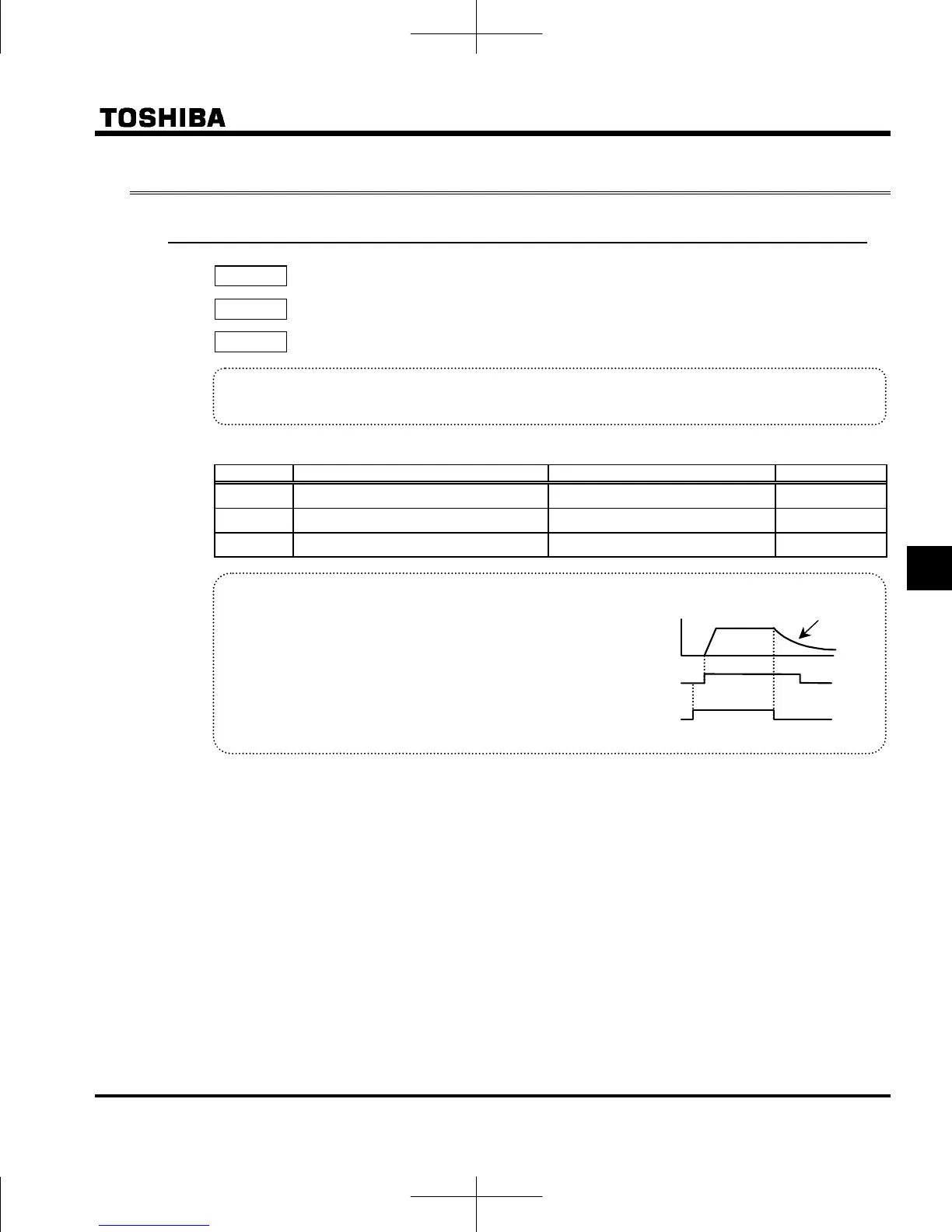
+ Explanation of the coast stop function
When ST (Standby) is OFF, coast stops.
The default setting for ST (Standby) is ON, change the
following settings.
(no function)
Assign open input terminal 6: ST (Standby).
Coast stops if terminal set for ST (Standby) is set to
OFF. The monitor on the inverter at this time displays
Motor
speed
ON
OFF
ON
OFF
F-CC
ST-CC
Coast stop
Note1) Input terminal function 8, 9 (Reset command and its inversion) cannot be assigned.



 To Next Page
 Loading...










