Installing Your Walk-and-Talk Whiteboard 13
PolyVision
®
note:NOTE:
WT and WTL whiteboards obtain power and data through the USB
connection to your computer. If you are using the BT wireless option, refer
to “Installing the Wireless BT Option” on page 39.
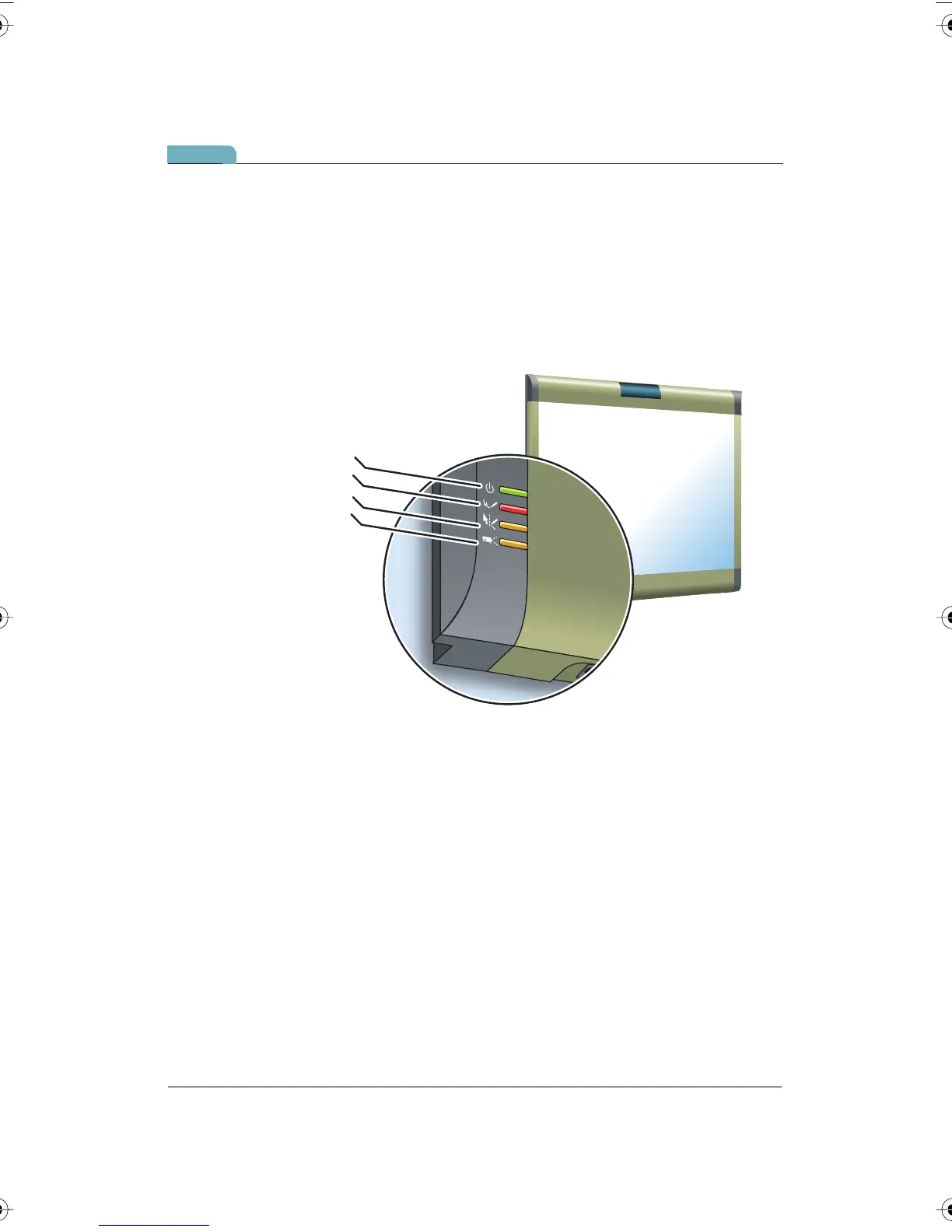
LED Status Indicators
LED indicators on the lower left edge of the board provide information
about the status of the board.
Ink Recorded
Pen Mode Active
Projection
Power/Status
PolyVision I&O.book Page 13 Thursday, October 16, 2008 4:18 PM



 To Next Page